Project note
Arduino Watering project - Distanse module
Arduino Watering project - Distanse module: Measure the water level in a barrel using an ultrasonic distance sensor and indicate the level on an LCD. • IoT • arduino, pcb
🎯 Purpose
Measure the water level in a barrel using an ultrasonic distance sensor and indicate the level on an LCD.
🧩 How it works (quick logic)
- If measured distance < 10 cm → show “< 10 cm water”.
- If measured distance ≥ 10 cm → show “10 > cm water”.
🖼️ First prototype (program + display)
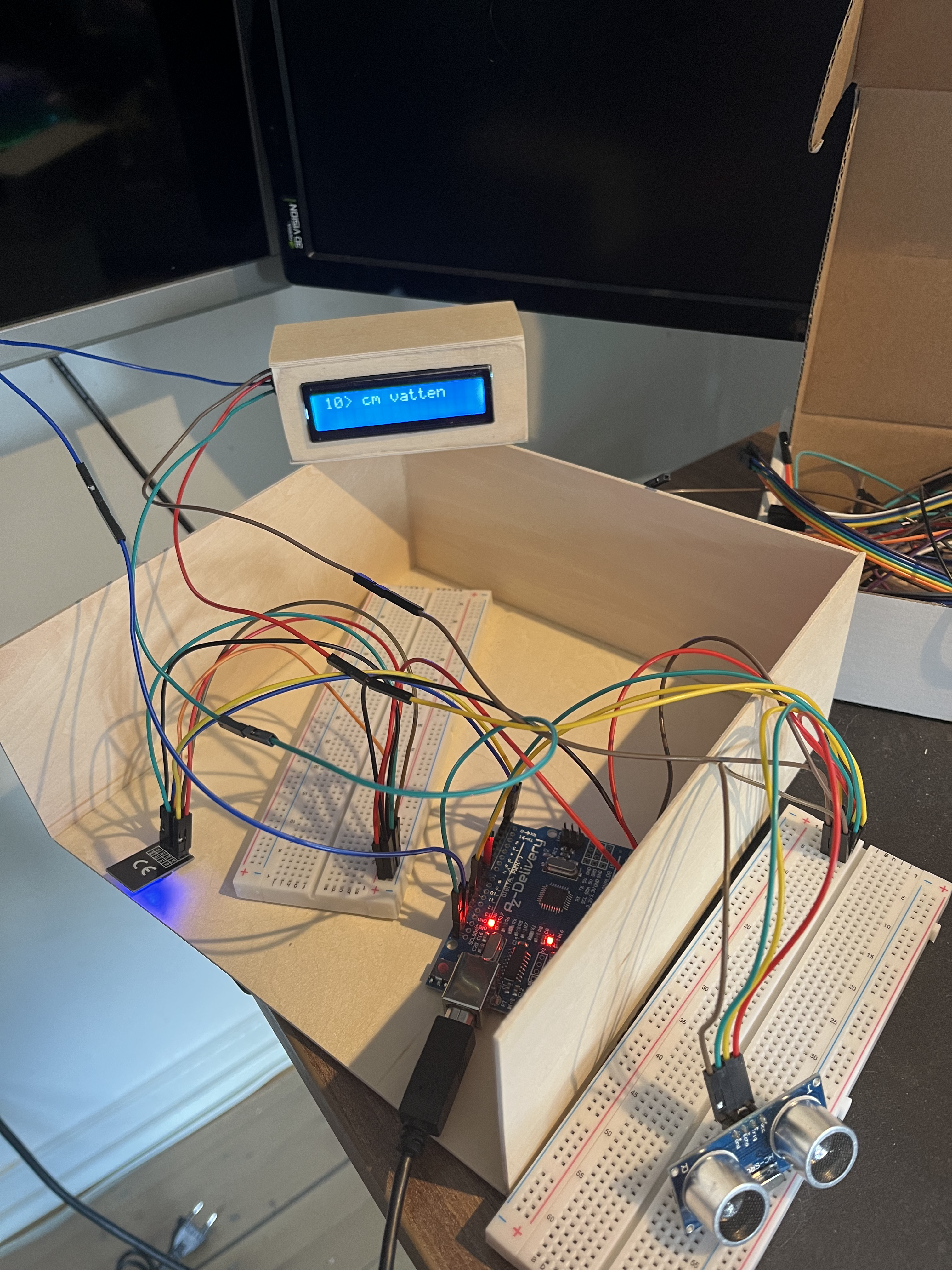
🎥 Threshold demo (< 10 cm vs ≥ 10 cm)
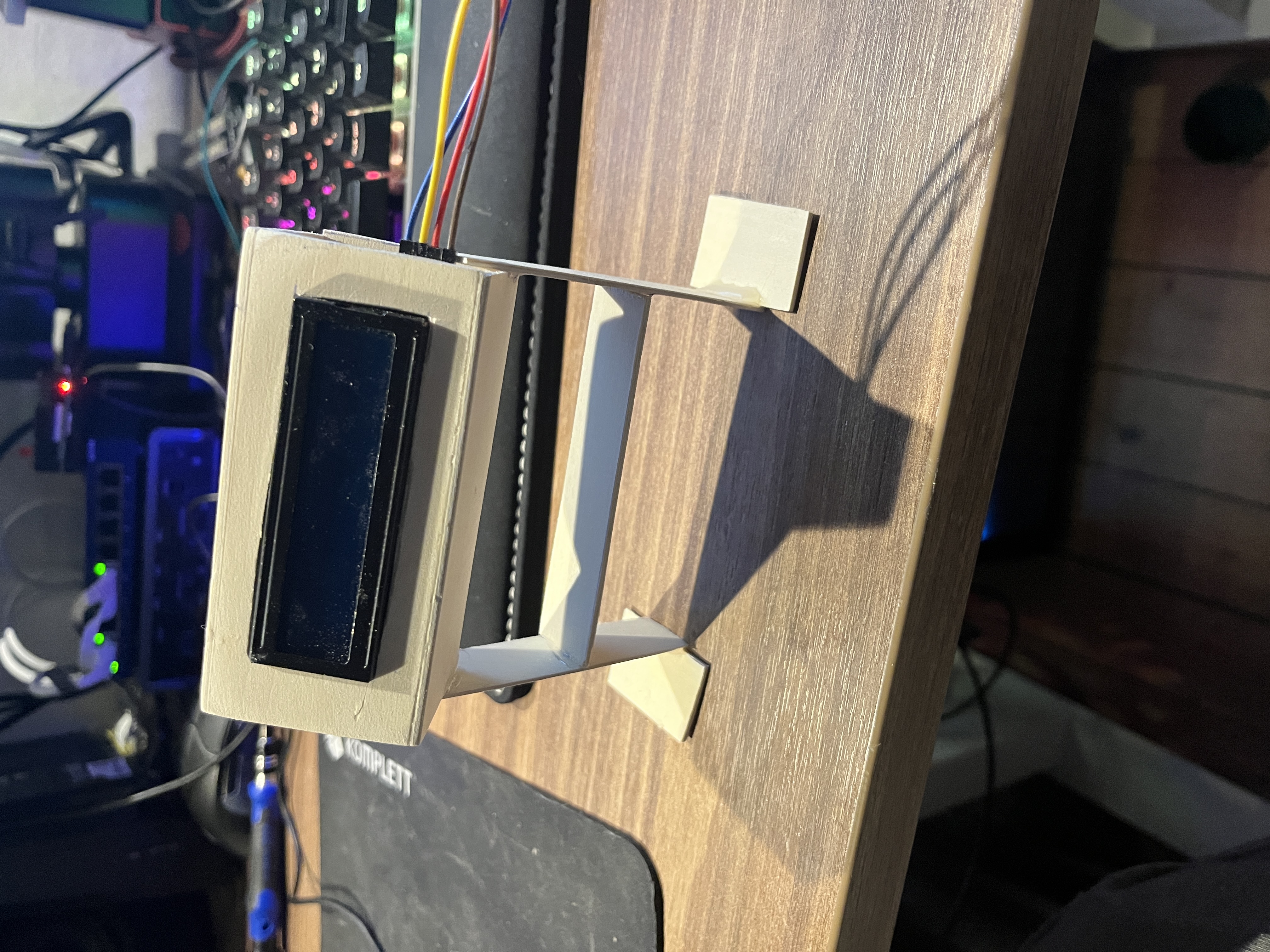
🔧 Mechanical updates
- New bracket/foot for the sensor module and tidier mounting.
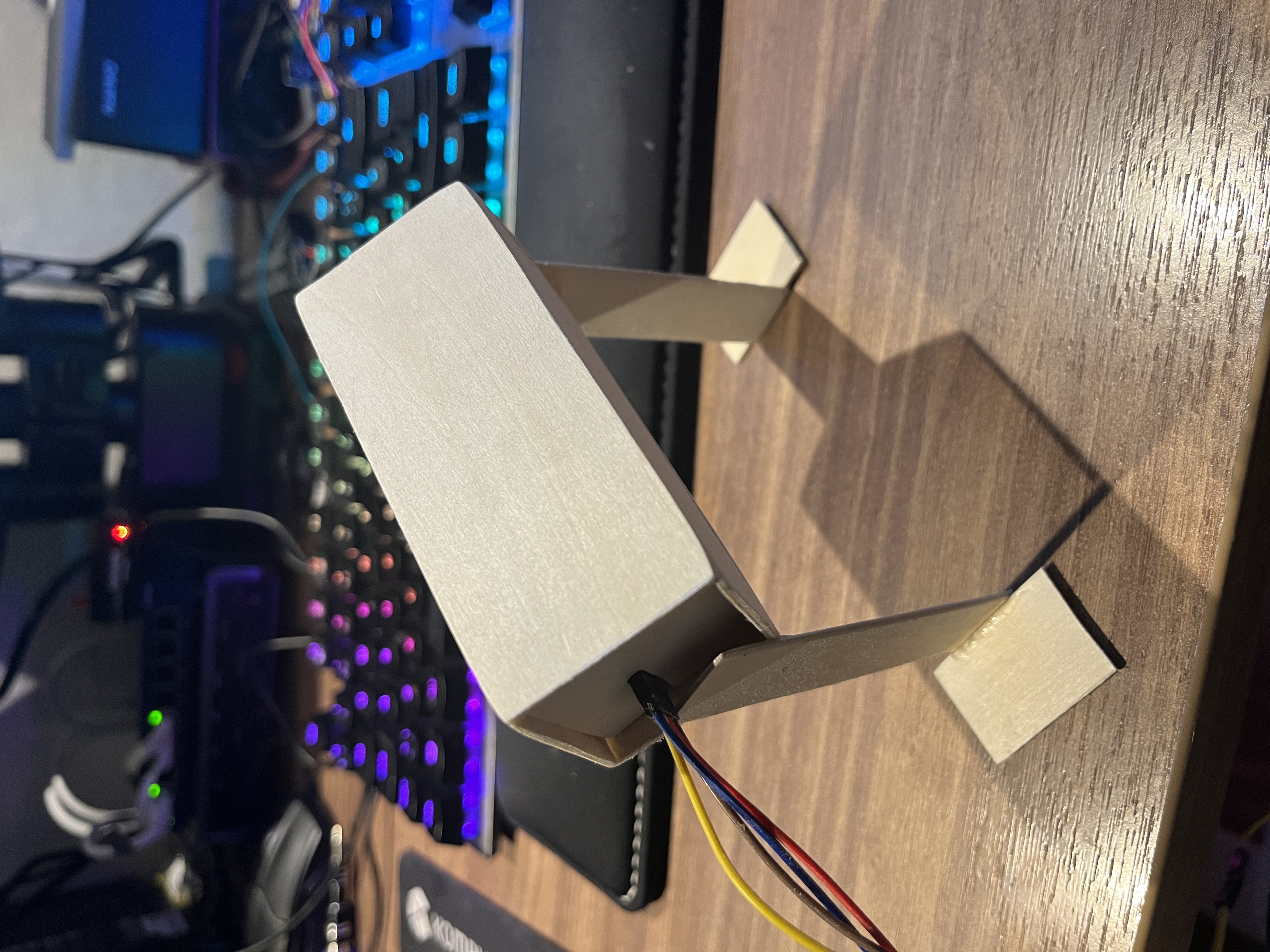
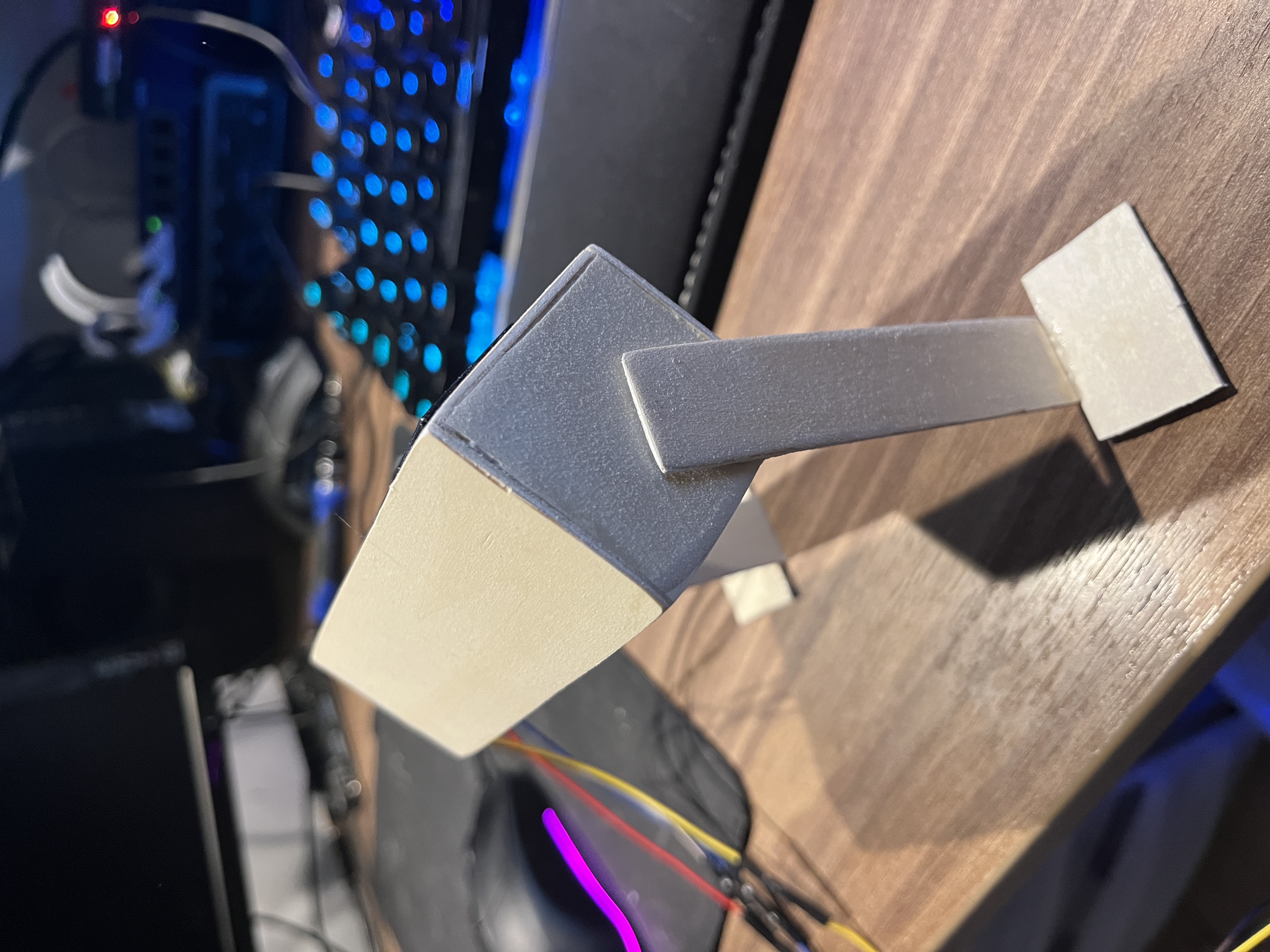
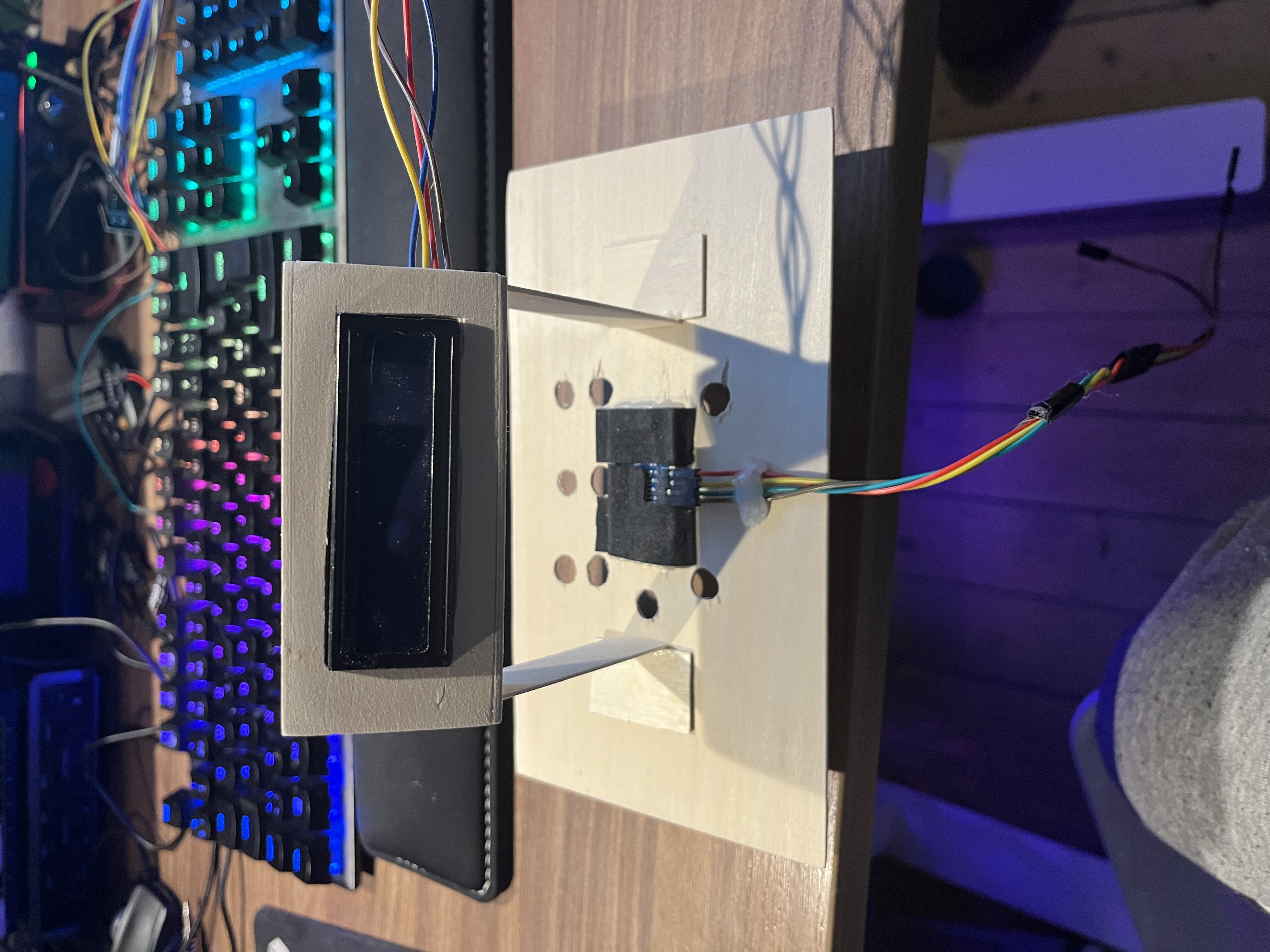
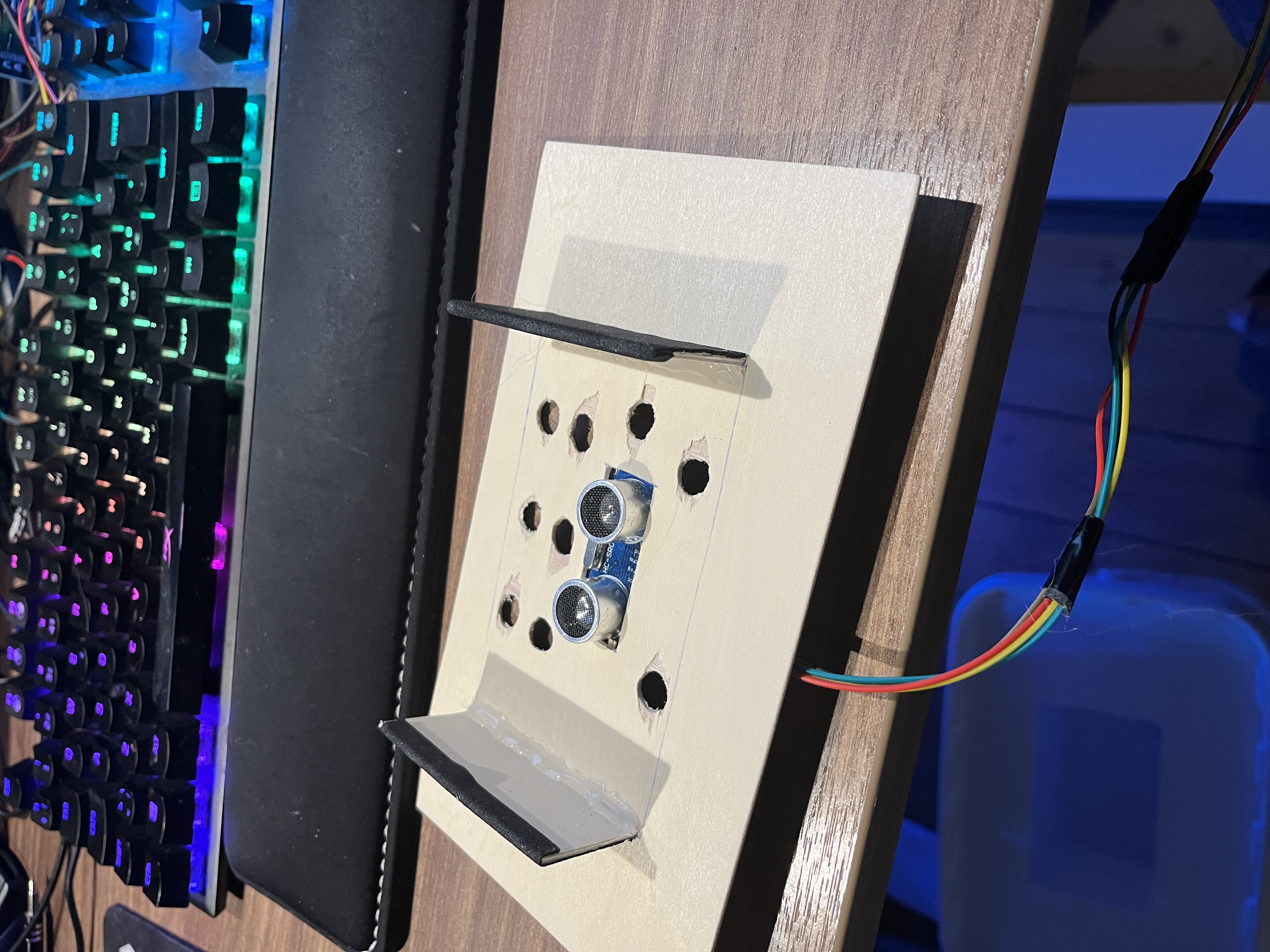
🌲 Manifold & tank
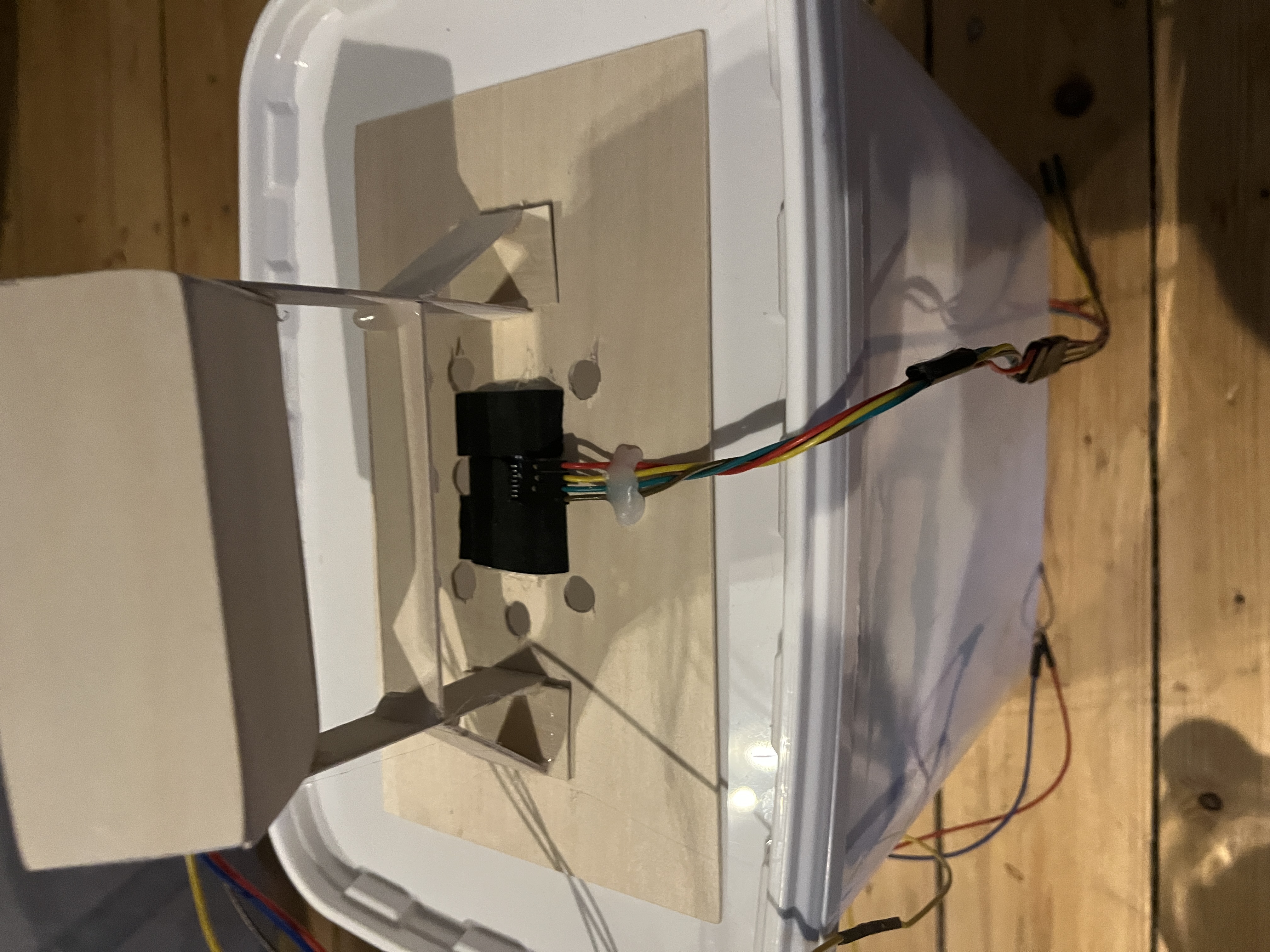
Each hole in the “tree” block represents a water pipe to its own pump.
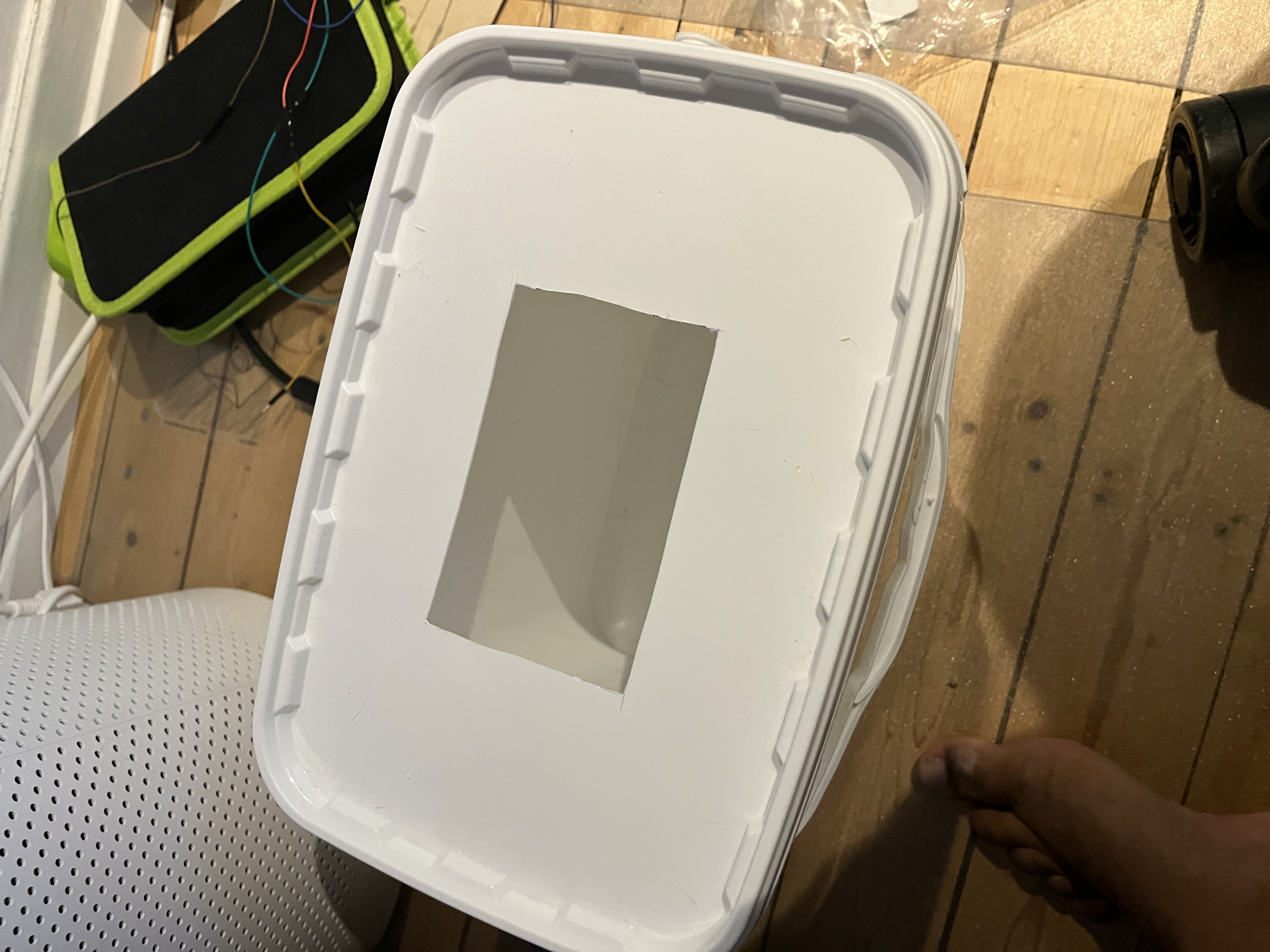
The water tank:
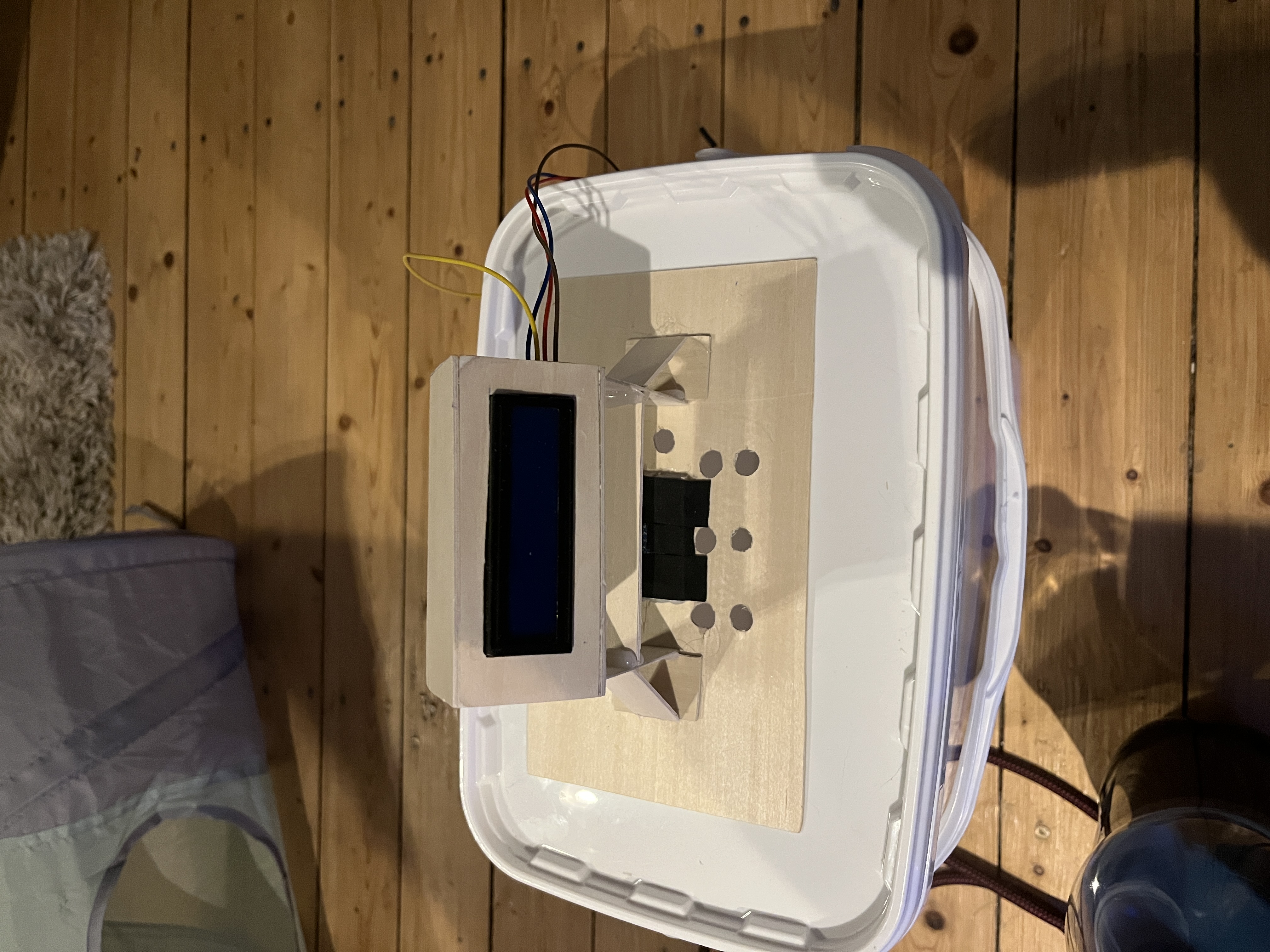
🧠 Wiring & PCB
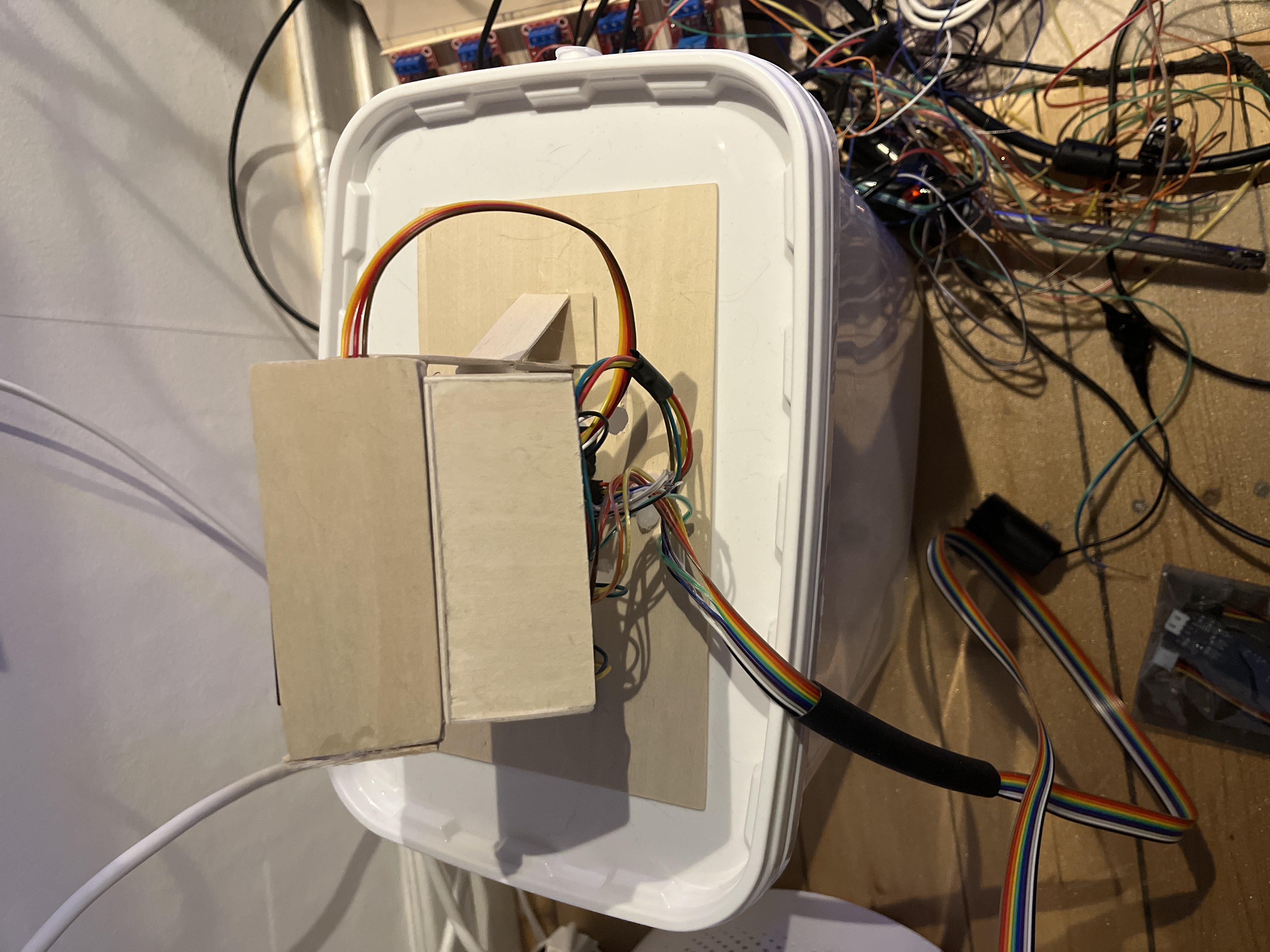
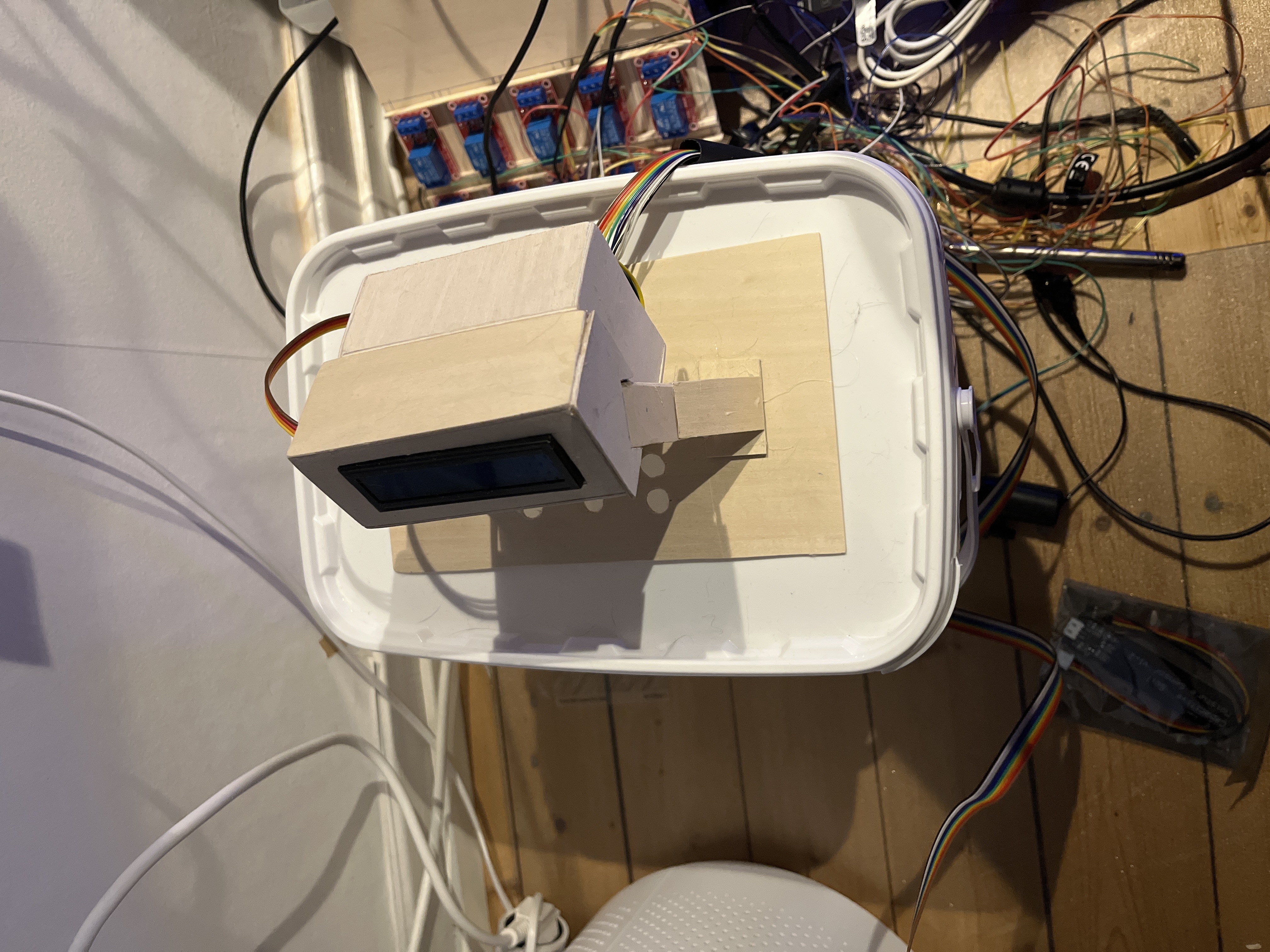
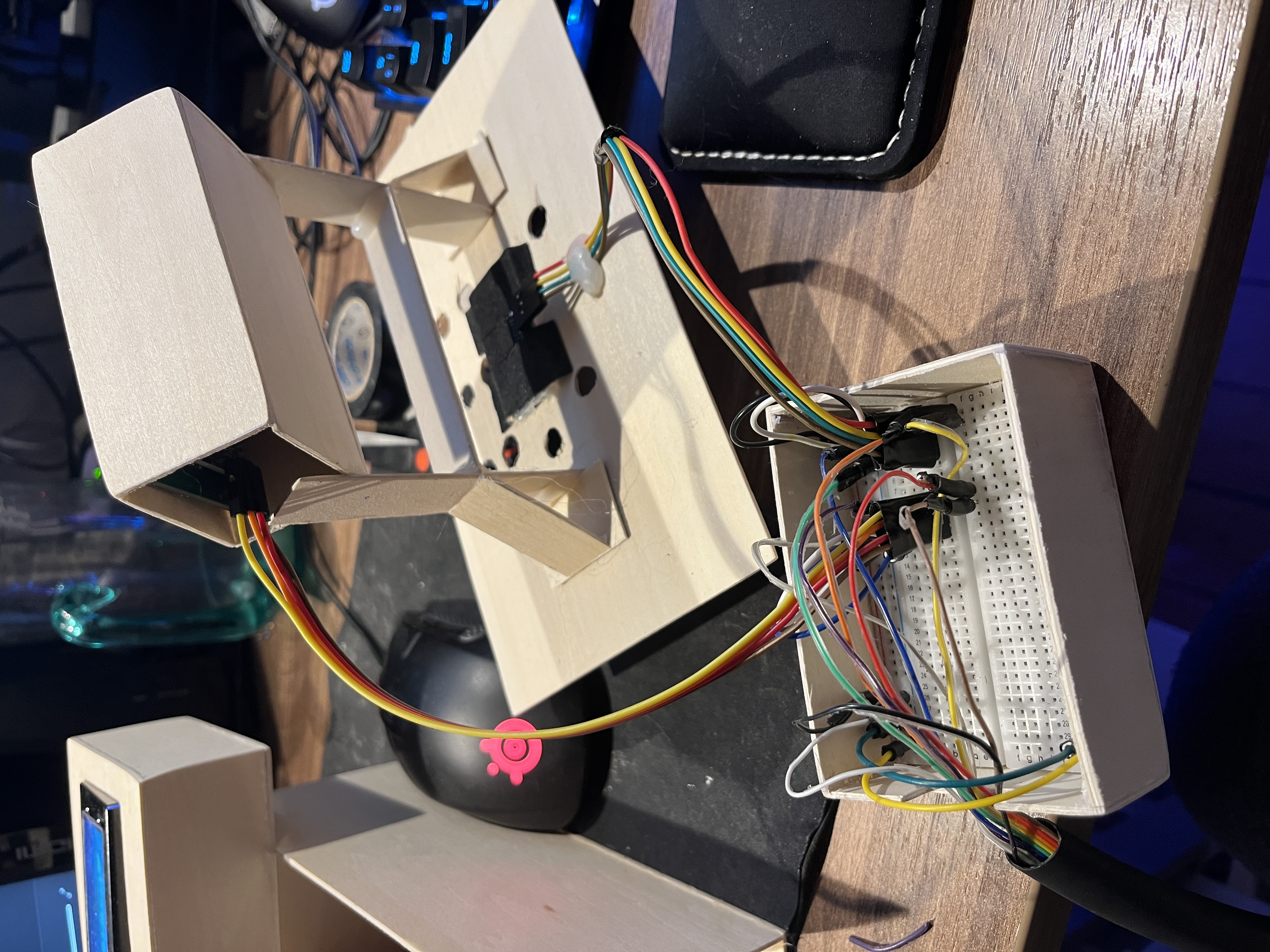
Full build with cables and a PCB board:
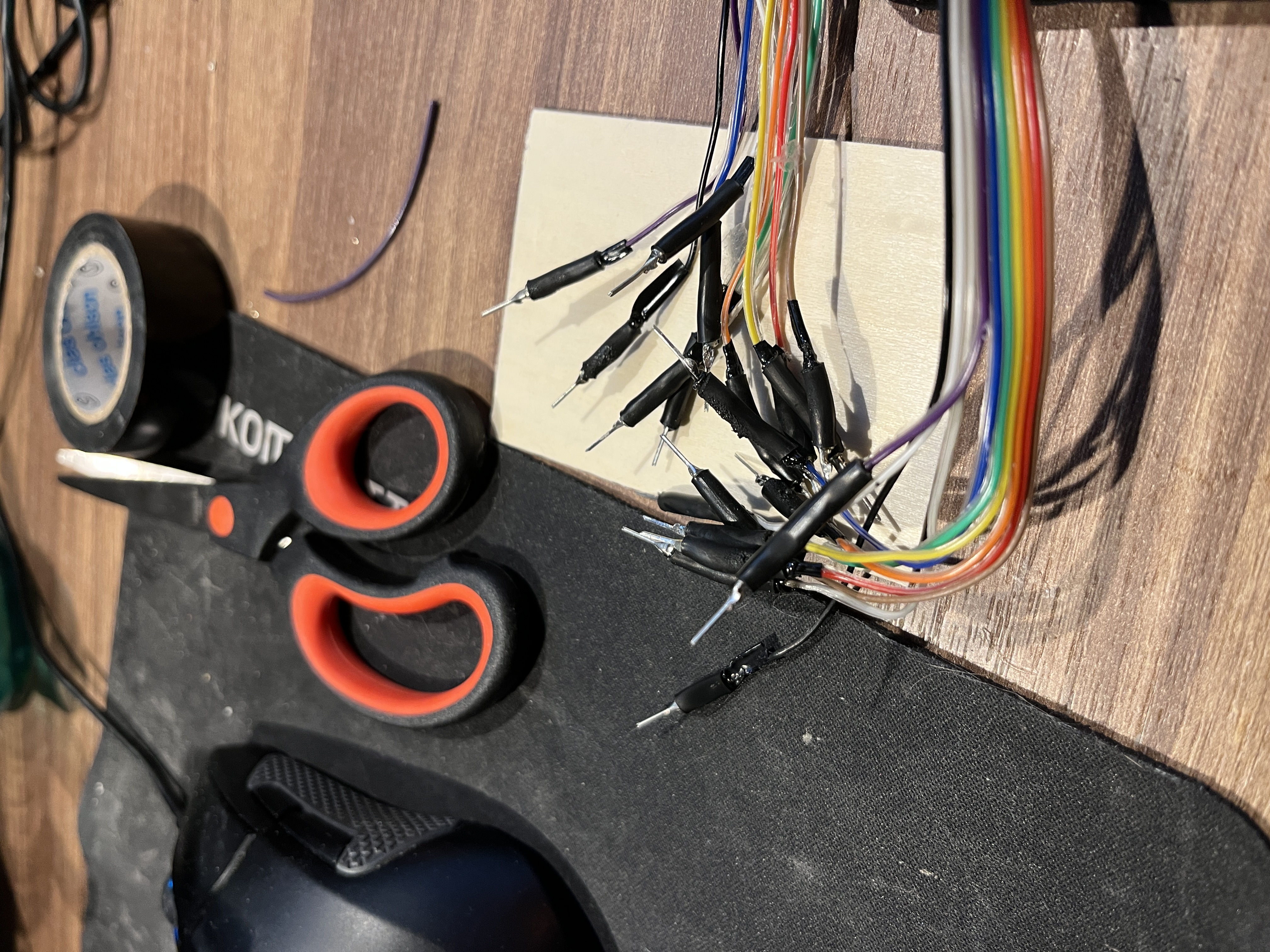
I needed an extra-long cable, so I soldered my own and added strain relief.
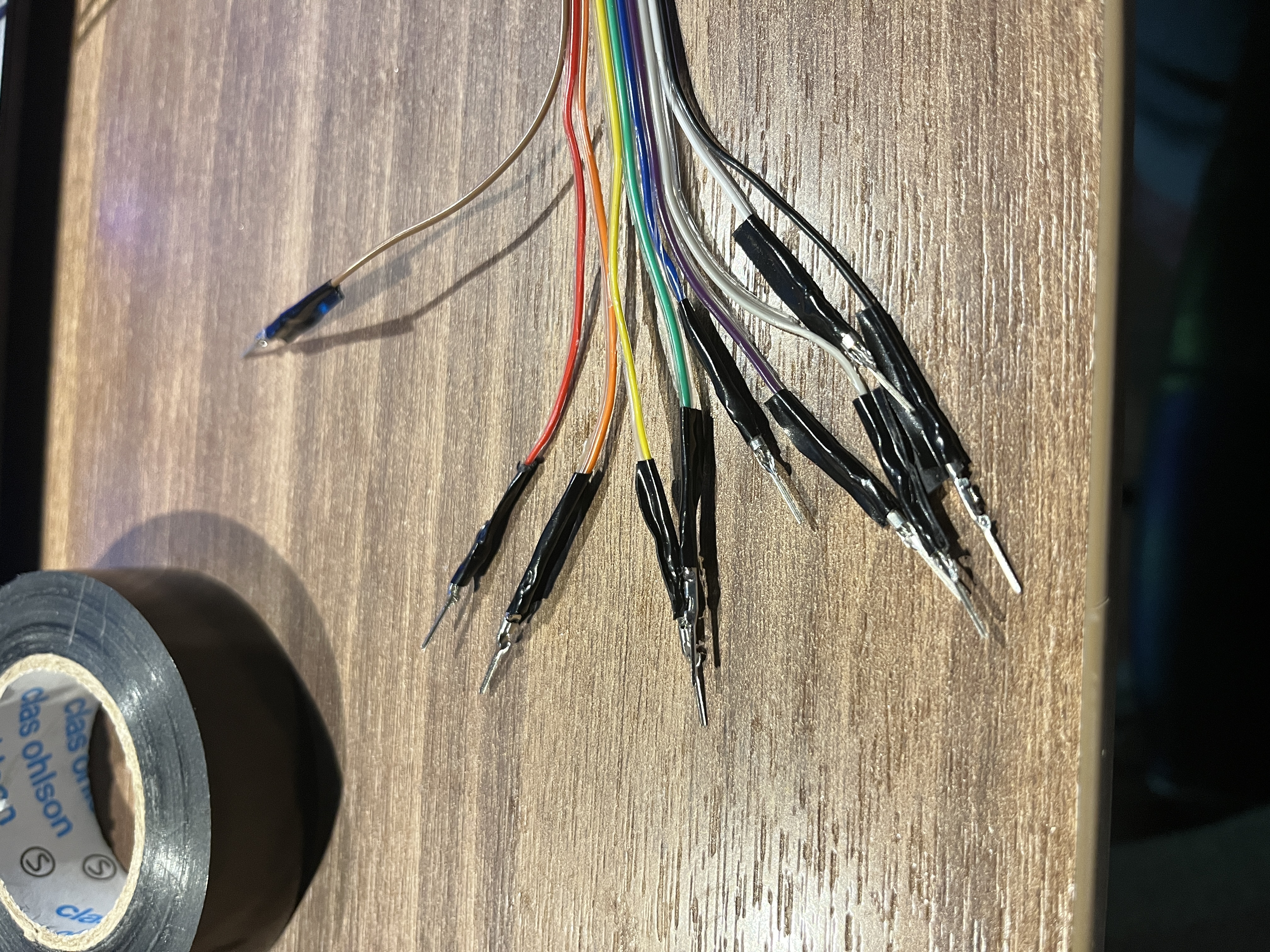
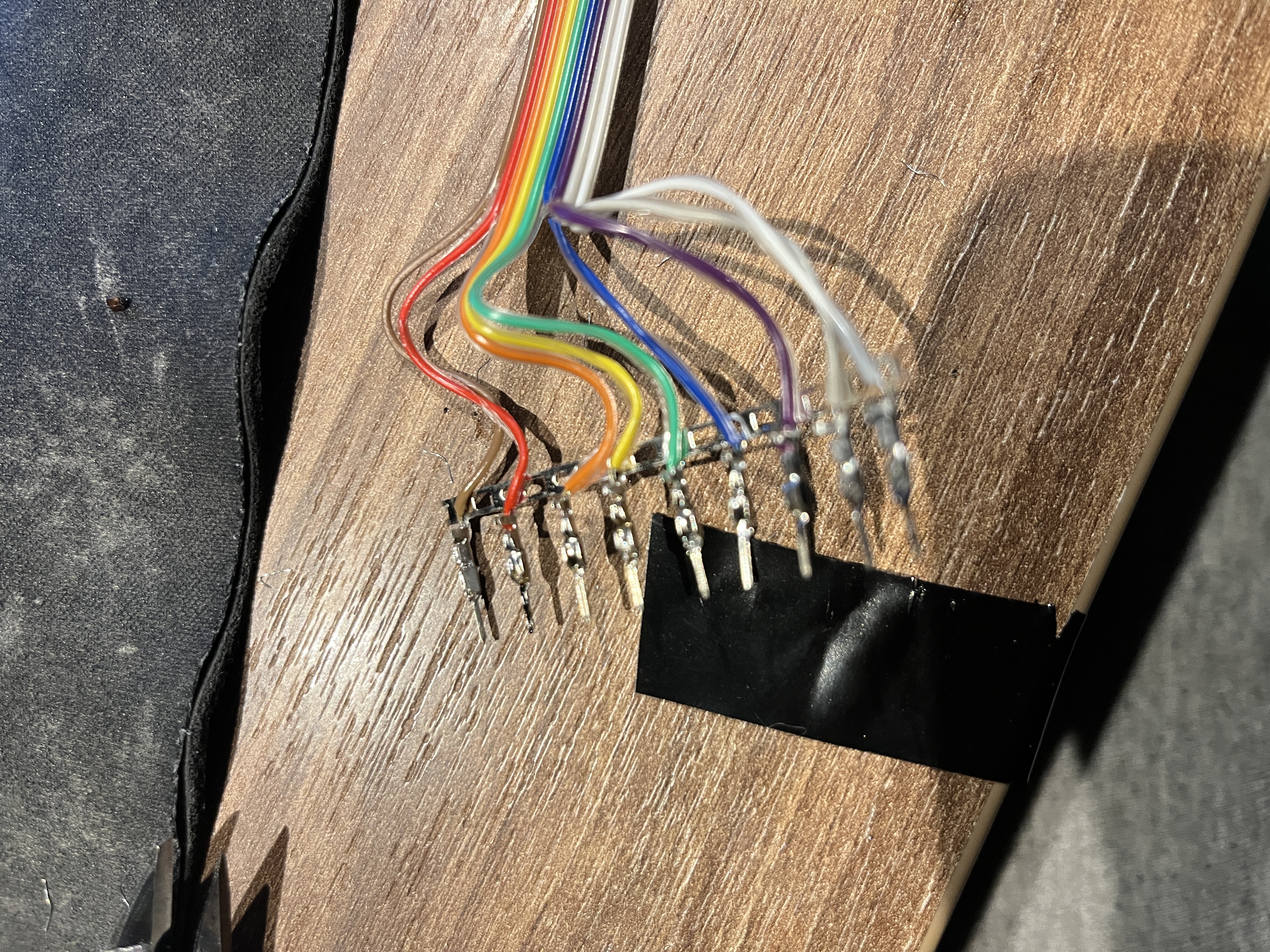
A friend suggested heat-shrink tubing — worked great:
💻 Firmware (Arduino)
Drives two LCD sizes via TCA9548A I²C multiplexer and reads the ultrasonic sensor (HC-SR04-style) on
trigPin=7,echoPin=8.
#include "Wire.h" // For I2C
#include "LCD.h" // For LCD
#include "LiquidCrystal_I2C.h" // Added library
#define TCAADDR 0x70 // TCA9548A encoder address
LiquidCrystal_I2C lcd(0x27, 2, 1, 0, 4, 5, 6, 7, 3, POSITIVE); // Set the LCD
/* -----( Declare Constants )----- */
byte AwithRing[8] = { // å
B00100, B01010, B01110, B00001, B01111, B10001, B01111,
};
byte AwithDots[8] = { // ä
B01010, B00000, B01110, B00001, B01111, B10001, B01111,
};
byte OwithDots[8] = { // ö
B01010, B00000, B01110, B10001, B10001, B10001, B01110,
};
byte BigAwithRing[8] = { // Å
0b00100, 0b01010, 0b01110, 0b10001, 0b11111, 0b10001, 0b10001, 0b00000
};
byte BigAwithDots[8] = { // Ä
0b01010, 0b00000, 0b01110, 0b10001, 0b11111, 0b10001, 0b10001, 0b00000
};
byte BigOwithDots[8] = { // Ö
0b01010, 0b01110, 0b10001, 0b10001, 0b10001, 0b10001, 0b01110, 0b00000
};
// Water tank
const int trigPin = 7; // trigger pin
const int echoPin = 8; // echo pin
long duration, cm;
// Letters/messages
String Message_1 = "Mindre än 5%";
String Message_2 = "Mindre 20%";
String Message_3 = "Mindre än 75%";
String Message_4 = "Mer än 75%";
String Message_end = "Vatten i tank";
void setup() {
Serial.begin(9600);
screenBig();
screenSmallOne();
}
void loop() {
// Define inputs and outputs
pinMode(trigPin, OUTPUT);
pinMode(echoPin, INPUT);
delay(10000);
screenSmallTank();
}
void tcaselect(uint8_t i) {
if (i > 7) return;
Wire.beginTransmission(TCAADDR);
Wire.write(1 << i);
Wire.endTransmission();
}
void screenBig() {
Wire.begin();
tcaselect(2);
lcd.begin(20, 4);
lcd.setCursor(3, 0); lcd.print("This is a test");
lcd.setCursor(8, 1); lcd.print("****");
lcd.setCursor(3, 2); lcd.print("XsiSec is best");
lcd.setCursor(8, 3); lcd.print("****");
}
void screenSmallOne() {
Wire.begin();
tcaselect(3);
lcd.begin(16, 4);
lcd.setCursor(3, 0); lcd.print("This is a test");
lcd.setCursor(8, 1); lcd.print("****");
lcd.setCursor(3, 2); lcd.print("XsiSec is best");
lcd.setCursor(8, 3); lcd.print("****");
}
void screenSmallTank() {
tcaselect(4);
lcd.begin(16, 4);
lcd.createChar(1, AwithRing); // å
lcd.createChar(2, AwithDots); // ä
lcd.createChar(3, OwithDots); // ö
lcd.createChar(4, BigAwithRing); // Å
lcd.createChar(5, BigAwithDots); // Ä
lcd.createChar(6, BigOwithDots); // Ö
lcd.setCursor(1, 0);
Message_1.replace("ä", "\2");
Message_2.replace("ä", "\2");
Message_3.replace("ä", "\2");
Message_4.replace("ä", "\2");
digitalWrite(trigPin, LOW); delayMicroseconds(0);
digitalWrite(trigPin, HIGH); delayMicroseconds(10);
digitalWrite(trigPin, LOW);
pinMode(echoPin, INPUT);
duration = pulseIn(echoPin, HIGH);
cm = (duration / 2) / 29.1; // or * 0.0343
if (cm < 5) {
lcd.print(Message_1);
lcd.setCursor(1, 1); lcd.print(Message_end);
} else if (cm < 10) {
lcd.print(Message_2);
lcd.setCursor(1, 1); lcd.print(Message_end);
lcd.setCursor(8, 1);
} else if (cm < 15) {
lcd.print(Message_3);
lcd.setCursor(1, 1); lcd.print(Message_end);
} else if (cm > 15) {
lcd.print(Message_4);
lcd.setCursor(1, 1); lcd.print(Message_end);
}
}
void measureDistance() {
digitalWrite(trigPin, LOW); delayMicroseconds(0);
digitalWrite(trigPin, HIGH); delayMicroseconds(10);
digitalWrite(trigPin, LOW);
pinMode(echoPin, INPUT);
duration = pulseIn(echoPin, HIGH);
cm = (duration / 2) / 29.1;
delay(1000);
}🖥️ LCD output (how it looks)
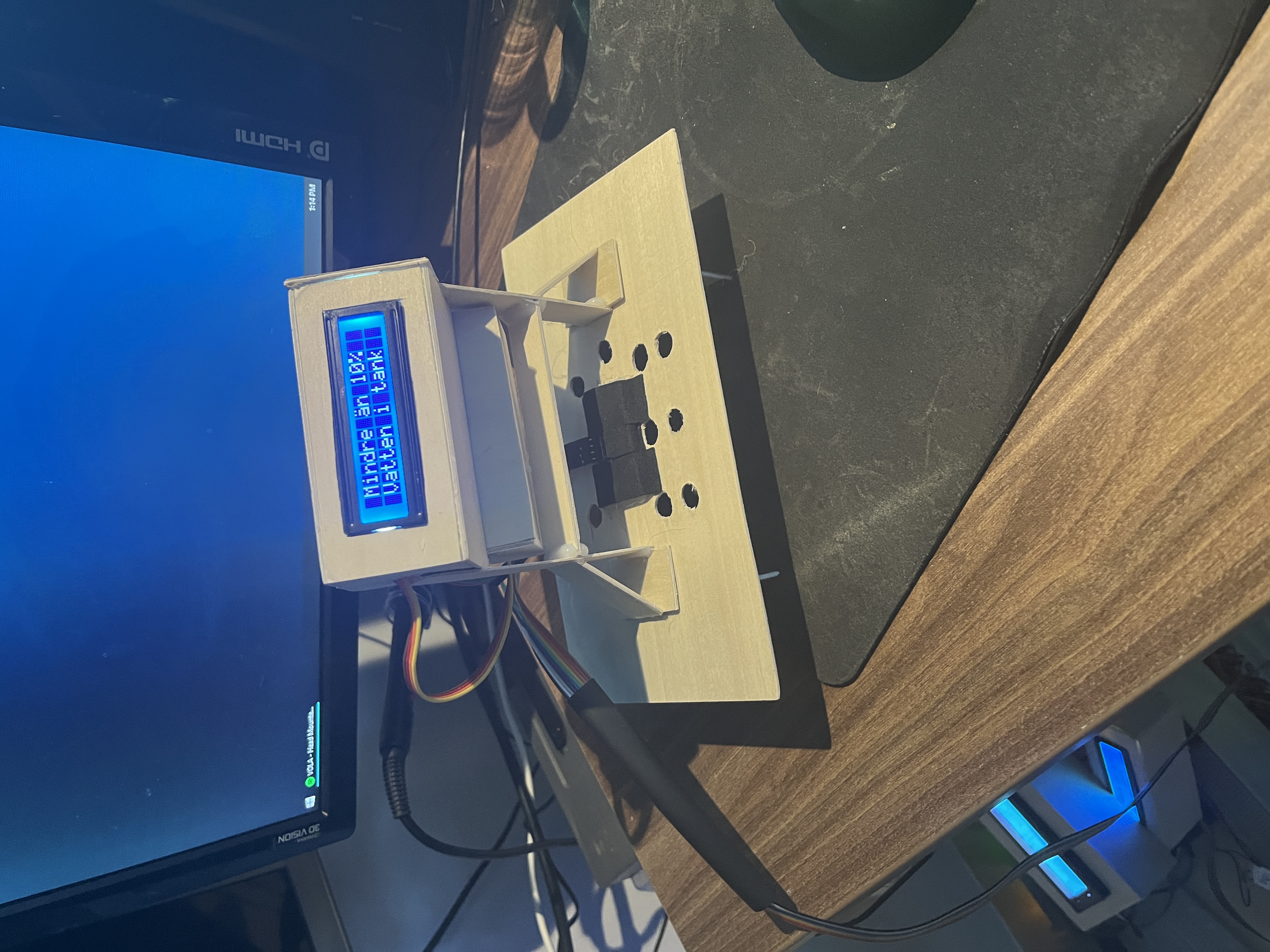
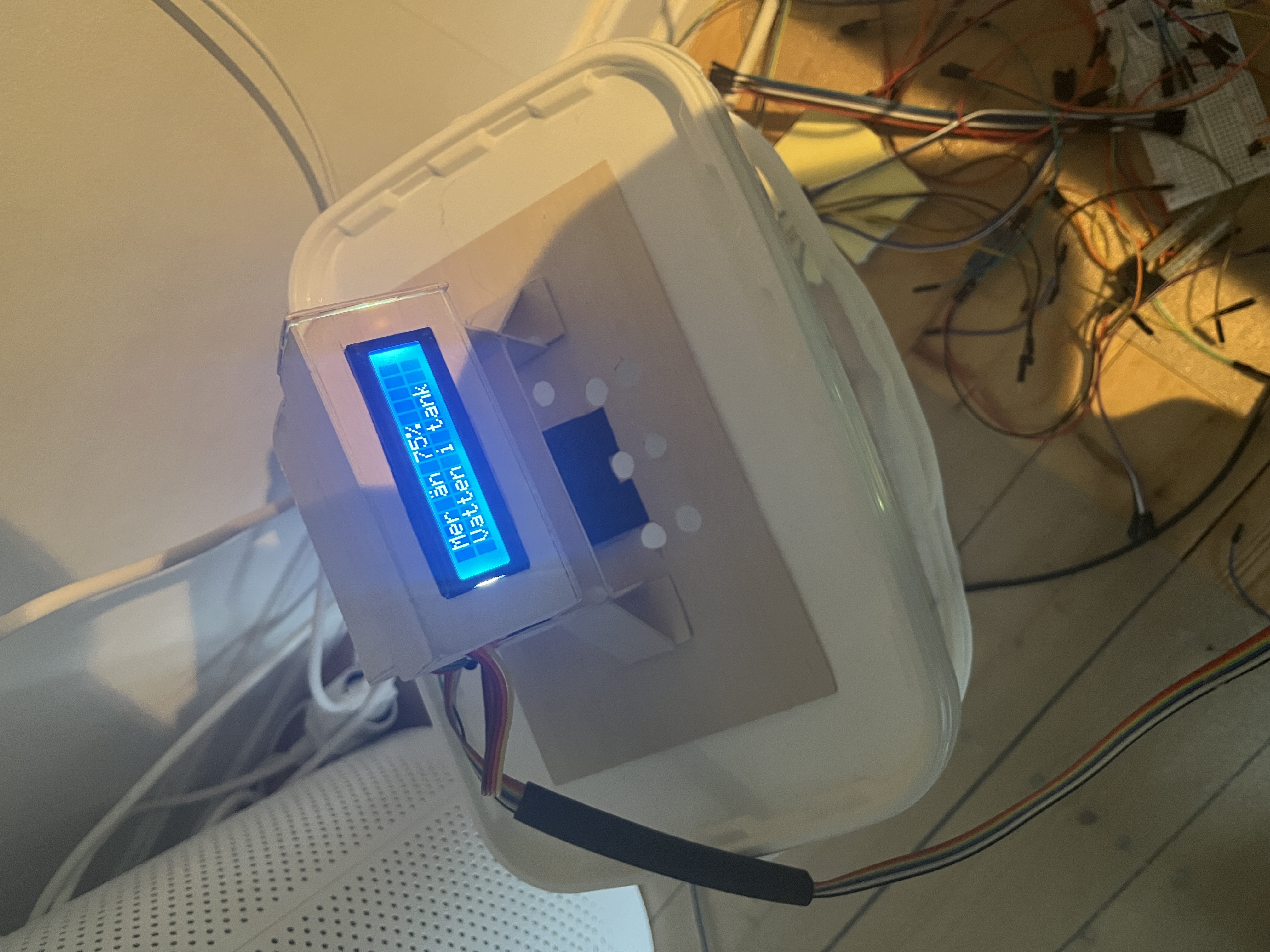
🔬 Sensor close-up
📏 Desktop → station distance (lift test)
Comments
Comments
Loading comments…